- What Is Motion Graphics?
- Why Motion Graphics Matter More Than Ever
- Motion Graphics vs. Character Animation: The Key Differences
- The Core Mechanics Behind Motion Graphics
- 2D, 3D, and Every Type of Motion Graphics Between
- Where You'll See Motion Graphics in Real Business
- Why Motion Graphics Convert Better Than Static Content
- Real World Examples: What Makes Motion Graphics Effective
- Motion Graphics vs. Video Editing, VFX, and 3D Animation
- Essential Skills and Tools Motion Designers Need
- What Motion Graphics Actually Costs
- How to Learn Motion Graphics: A Realistic Timeline
- Should Your Brand Invest in Motion Graphics?
- Ready to Stop Being Static?
You’ve definitely seen motion graphics probably without even knowing it. But do you actually understand what is motion graphics? Let me break it down for you.
That animated intro before a YouTube video, the text that dances across your TikTok feed during a trending sound or the chart that builds itself during a quarterly earnings presentation? They are all motion graphics.
But here’s the frustrating part! Most people don’t actually know what they’re looking at. They just know something about it felt engaging, stopping the scroll and delivering the message.
What Is Motion Graphics?
It is about taking static design elements (logos, text, shapes, data visualizations, illustrations) and animating them to communicate something.
A logo sitting on a page does nothing. But spin it, morph it, break it apart? Now you’ve got something memorable that sticks with people.
Same principle applies to charts. A bar chart that just pops on screen and vanishes? Half your audience misses it while scrolling. But a chart that builds from left to right with numbers appearing? It guides, allow audience to follow along and engage better.
The formal definition of motion graphics includes animated visual elements, typically graphic design components like typography, shapes, icons, and data visualizations that are created to communicate information, convey emotion, or enhance user experience through movement, timing, and composition.
Why Motion Graphics Matter More Than Ever
Three years ago, you could still get away with a static website and a few JPEGs on social media. Now? It’s basically malpractice.
Social platforms changed the game. Algorithms reward watch time. TikTok, Instagram Reels, YouTube Shorts all prioritize motion graphics animation over static images. Your feed doesn’t fill with pictures anymore. It fills with video. Promotion follows video. Engagement gets tied to video.
People scroll different now too fast and that’s why static images disappear in under a second. However, motion stops the scroll.
It’s not a choice because your brain has evolved to notice movement. It sees things that move in your peripheral vision, making you stop the scroll. That’s survival instinct and millions of years of evolution hardwired you to notice motion.
On top of it all, static content just feels tiring. If you’re explaining something complex or selling something that matters, objects in motion make you look like you actually care. Modern. Professional. Thoughtful. Standing still doesn’t work anymore.
Curious How Motion Graphics Can Transform Your Brand?
Discover how engaging motion graphics can boost your marketing, branding, and audience engagement.
Motion Graphics vs. Character Animation: The Key Differences
This is where confusion starts. People use motion graphics and animation interchangeably. They’re absolutely not the same thing.
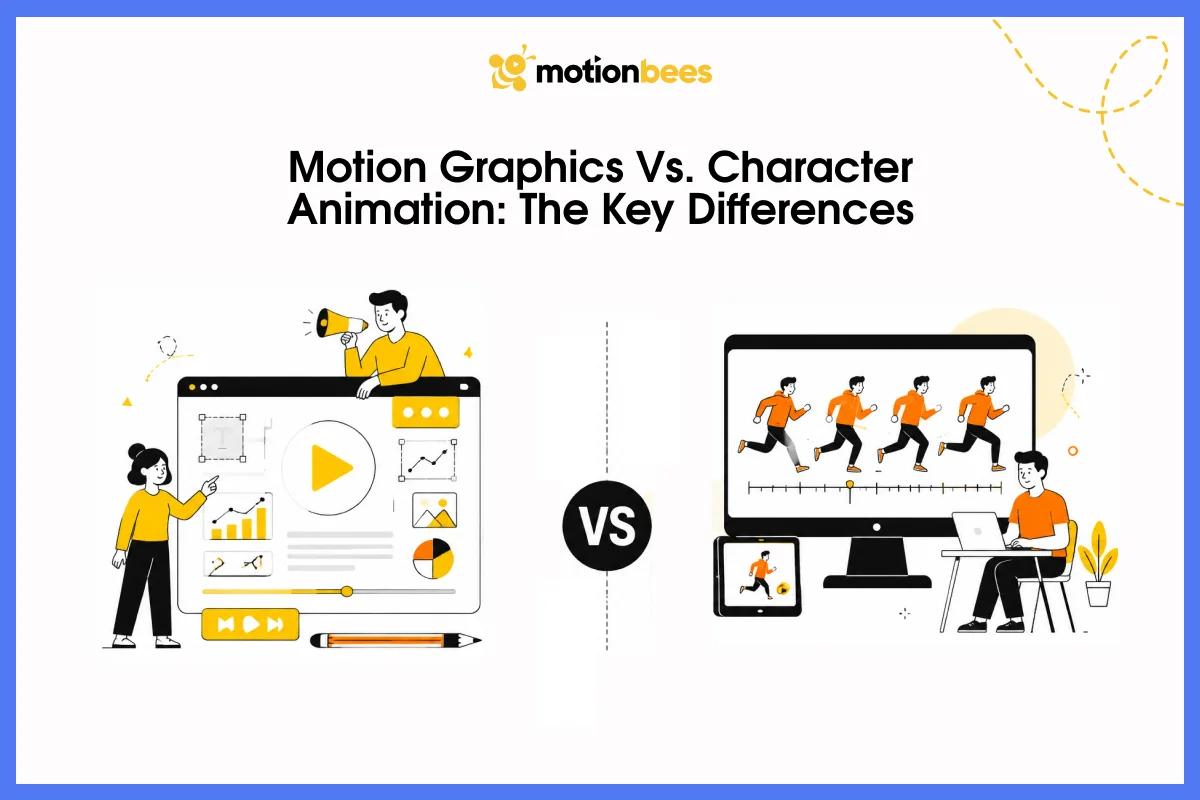
Character animation tells stories through characters which you see in Pixar, Disney and other stop-motion films. An animator builds a character, then spends months making them act, emote, and move in ways that feel real and believable. That’s character animation.
Motion graphics doesn’t use characters at all. Instead, you’re animating text, shapes, data, and icons. Your goal isn’t telling a story about some character doing something. Your goal is getting information across or stopping someone’s attention.
Text emphasizes key points, icons explain concepts, and charts show data relationships. Nobody’s performing a scene. The information itself is the performance.
This changes everything about production. Character animation requires rigging (creating digital skeletons), modeling, texturing, and months of frame-by-frame performance work.
As you see, different skills, different mindsets but timelines and budgets are completely different.
The Core Mechanics Behind Motion Graphics
Understanding how motion graphics actually work helps you understand why they’re so effective.
Keyframes
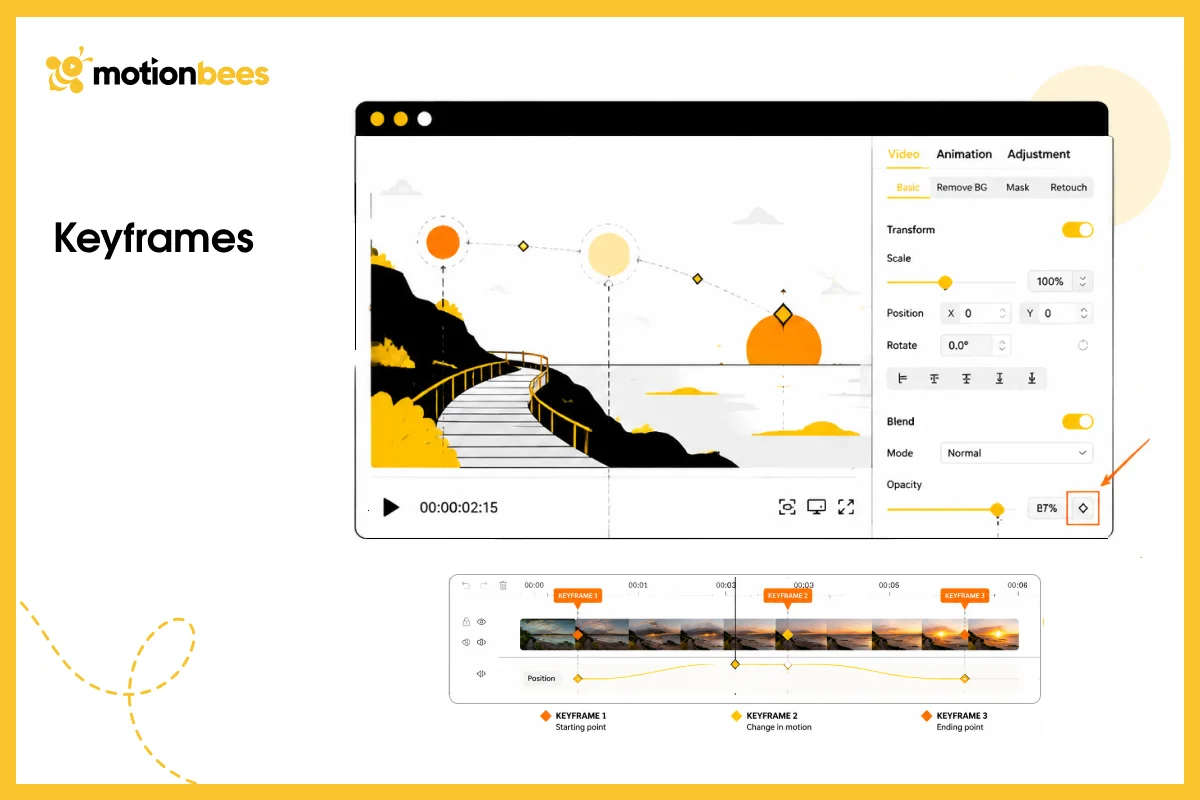
This is where it all starts. Think of it as telling the software “At this moment, the text is here. At that other moment, it’s over there.” That’s the whole thing. You don’t draw every single frame. The computer figures out all the in-between stuff. It’s called tweening or interpolation. This is why motion graphics are way faster to produce than traditional animation where you’re drawing frame by frame.
Layers and Properties
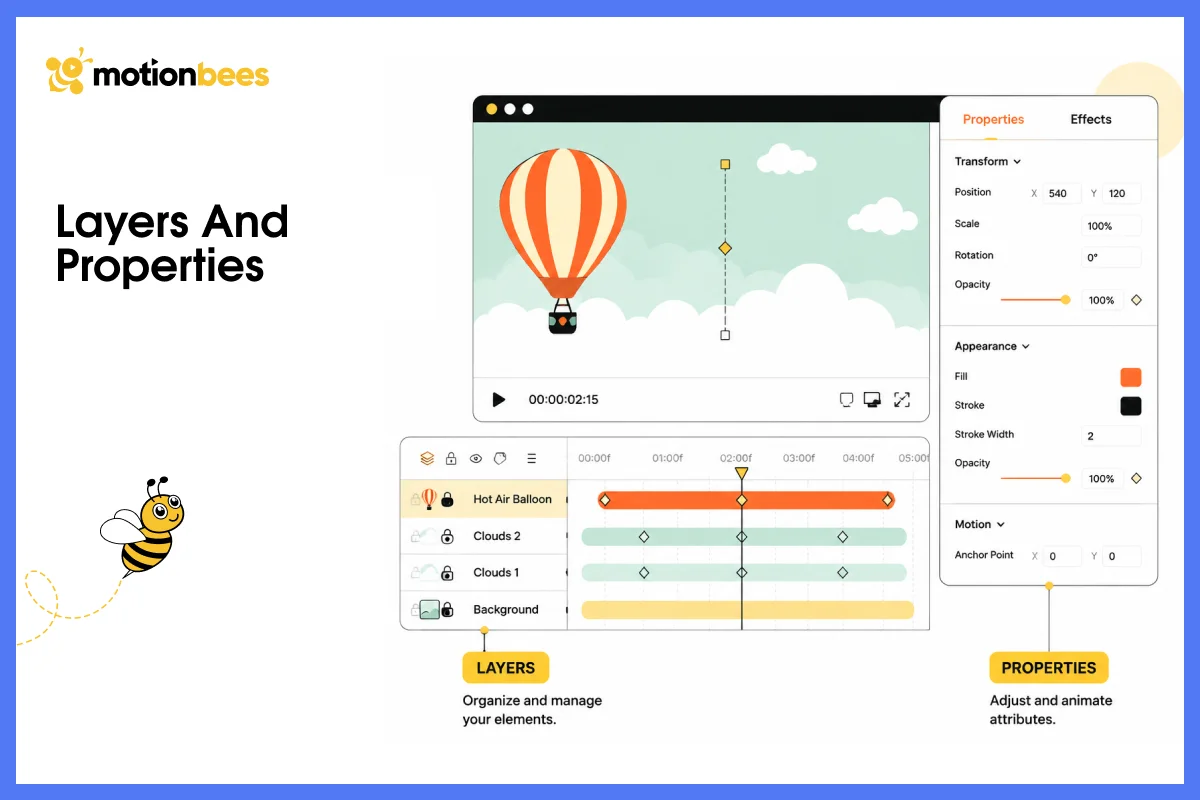
Everything gets organized on a timeline. You see layers stacked vertically, with one layer being your text, another your logo, another a background shape.
Each layer has properties like position, size, rotation, opacity, color. Any of those can be animated. Text can fade in, a shape can slide left to right and once you know how to do it, you can animate literally anything.
Easing
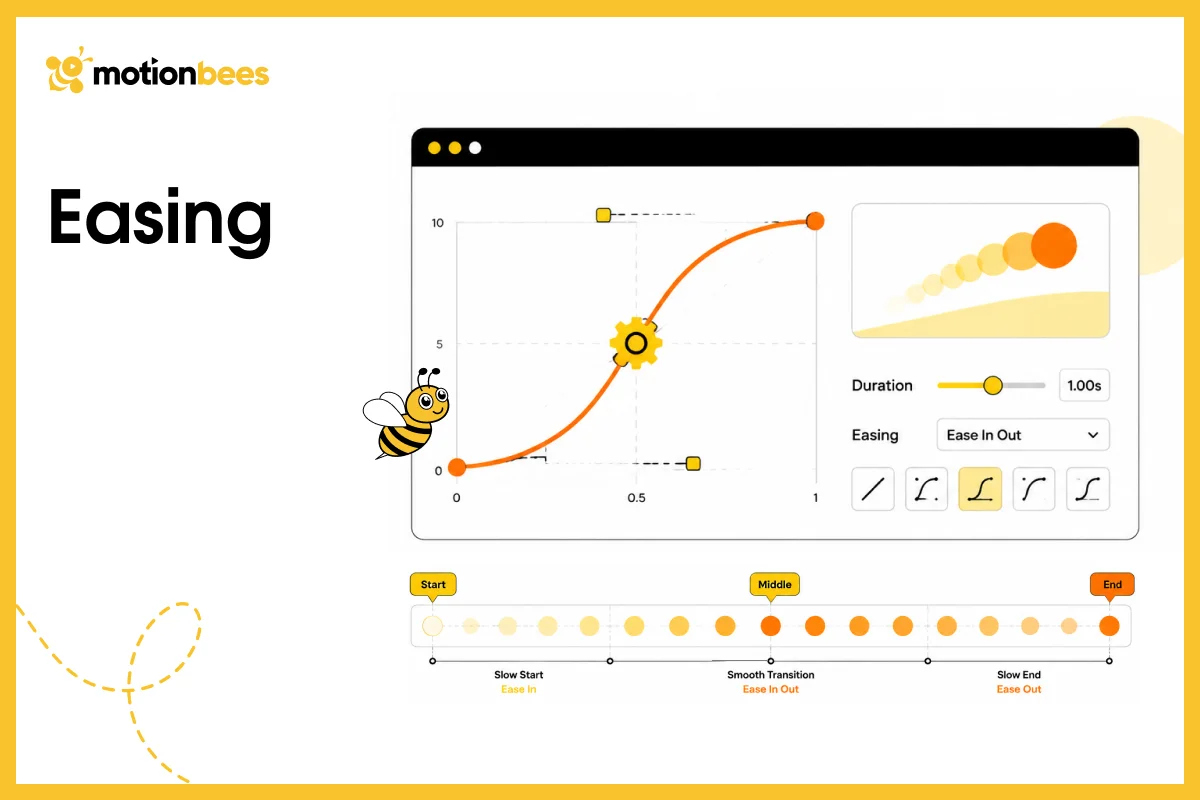
Here, the actual magic happens. If you move something at constant speed the whole time, it looks mechanical and robotic. Real objects don’t move like that.
They speed up, slow down, accelerate, decelerate. Motion that starts slow, speeds up in the middle, then slows down at the end feels natural. That’s easing.
Dozens of easing types exist: ease-in, ease-out, bounce, elastic. Each creates different emotional responses. Bouncy easing makes text feel playful. Smooth easing makes it feel premium and controlled.
Frame Rate
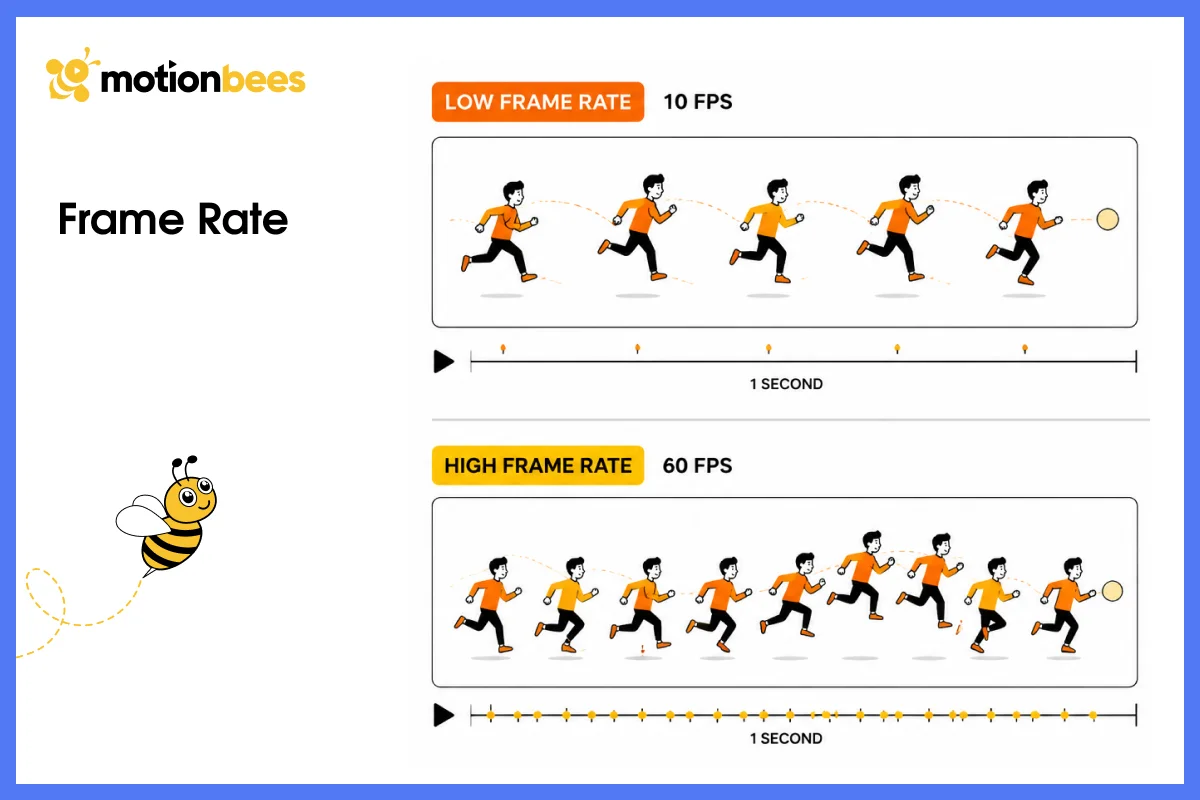
Frame rate is just how many frames per second you’re rendering. Film and TV use 24 fps. Web content usually runs 60 fps because it’s smoother. The tradeoff is obvious though.
The Production Process
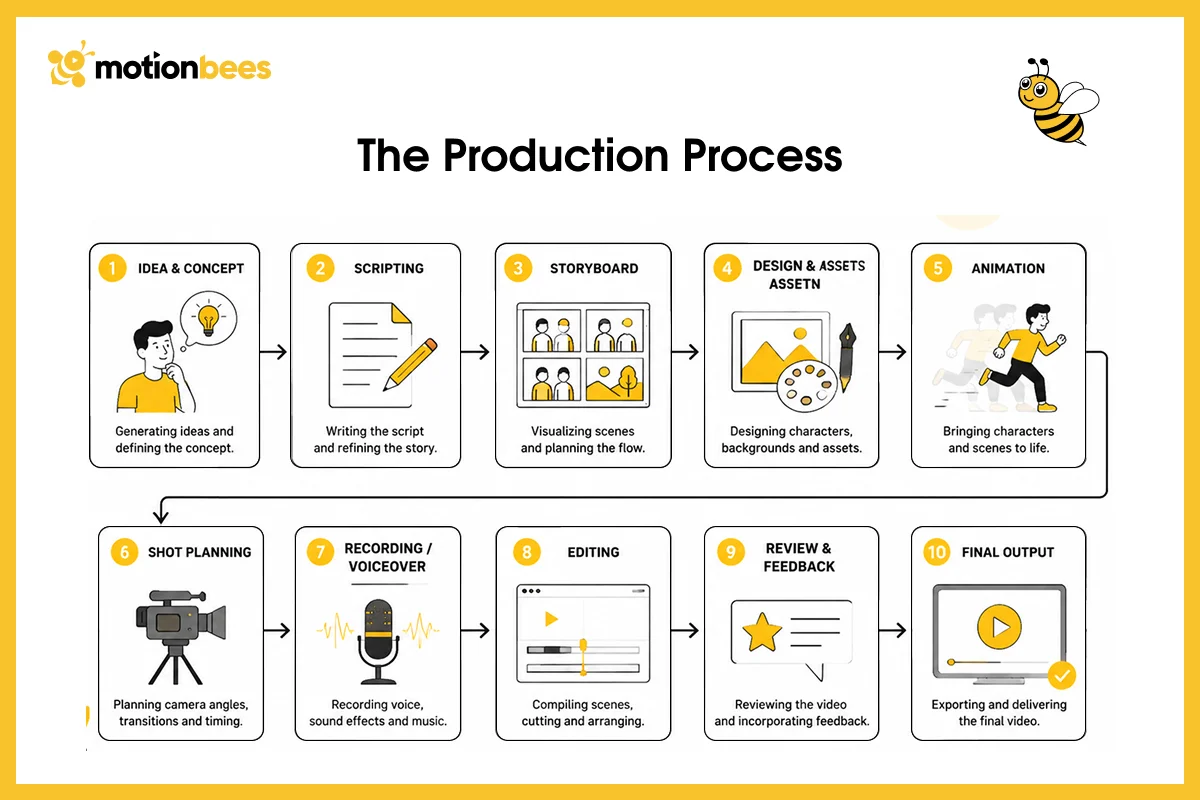
Production happens in stages. First comes concept and storyboard work, figuring out what you’re animating and in what order. Then you make style frames (static high quality images of key moments) so everyone agrees on how it should look before you spend time animating.
The actual animation phase happens next, building the composition in software, setting keyframes, timing everything to audio or voiceover. Finally, you add sound and export to your final format.
2D, 3D, and Every Type of Motion Graphics Between
Two Dimensional Motion Graphics
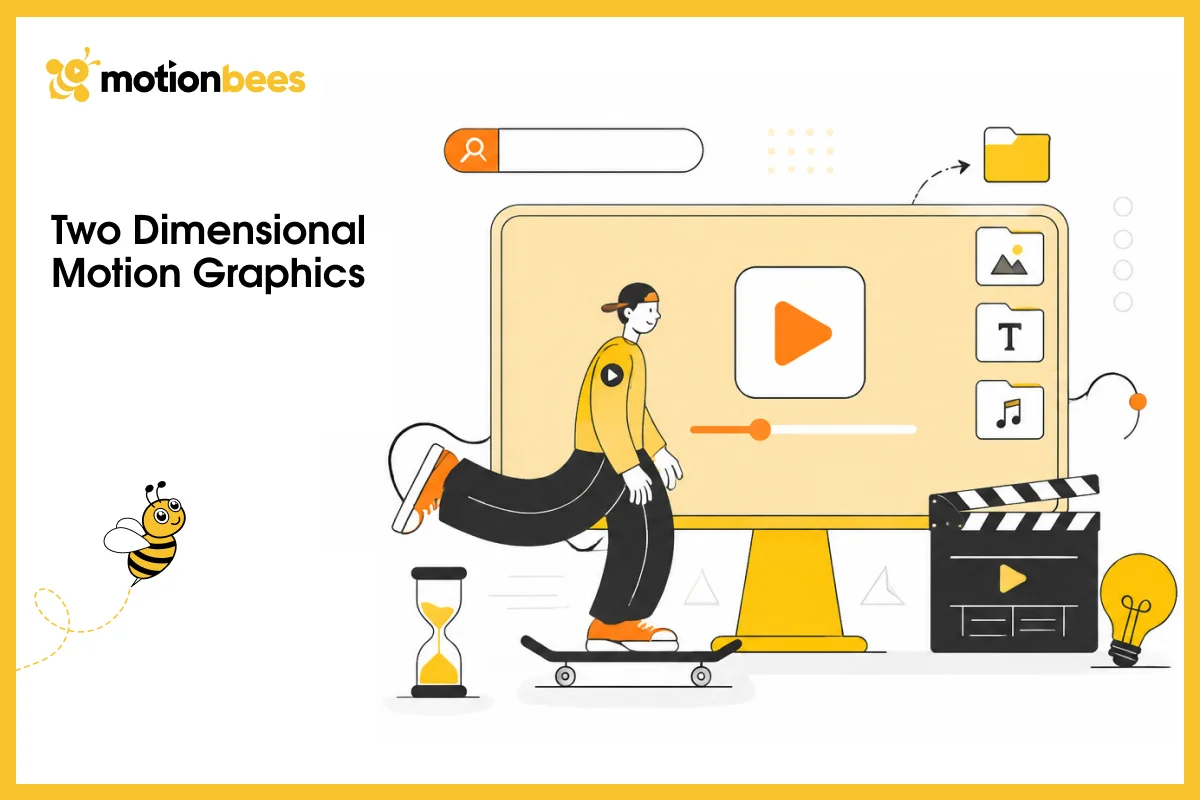
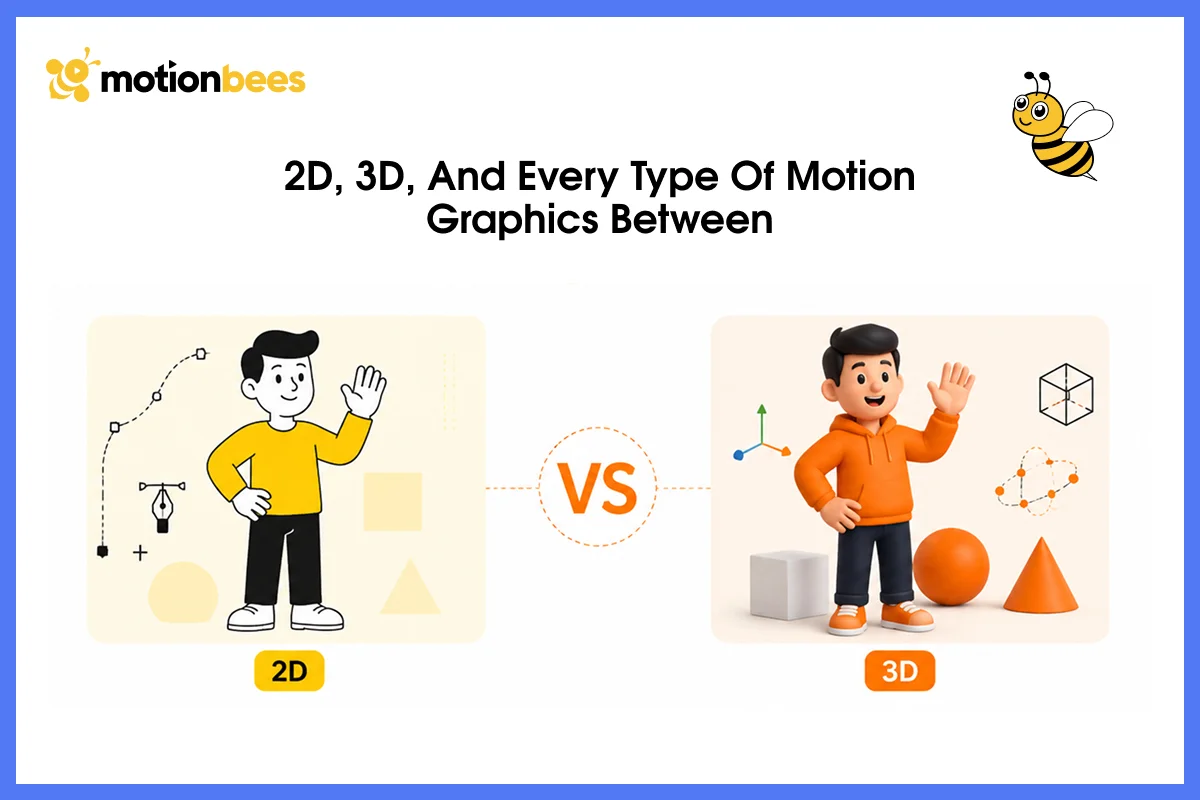
Do you know that the 2D motion graphics are the workhorse of the industry. Flat, no depth. Text, shapes, illustrations animate in 2D space. Why are they so common? Because they’re fast to produce and work perfectly for most projects.
You’ll see 2D motion in explainer videos, social media, broadcast graphics, corporate presentations. Most commercial motion graphics work falls into this category because it’s cost effective and scalable.
Three Dimensional Motion Graphics
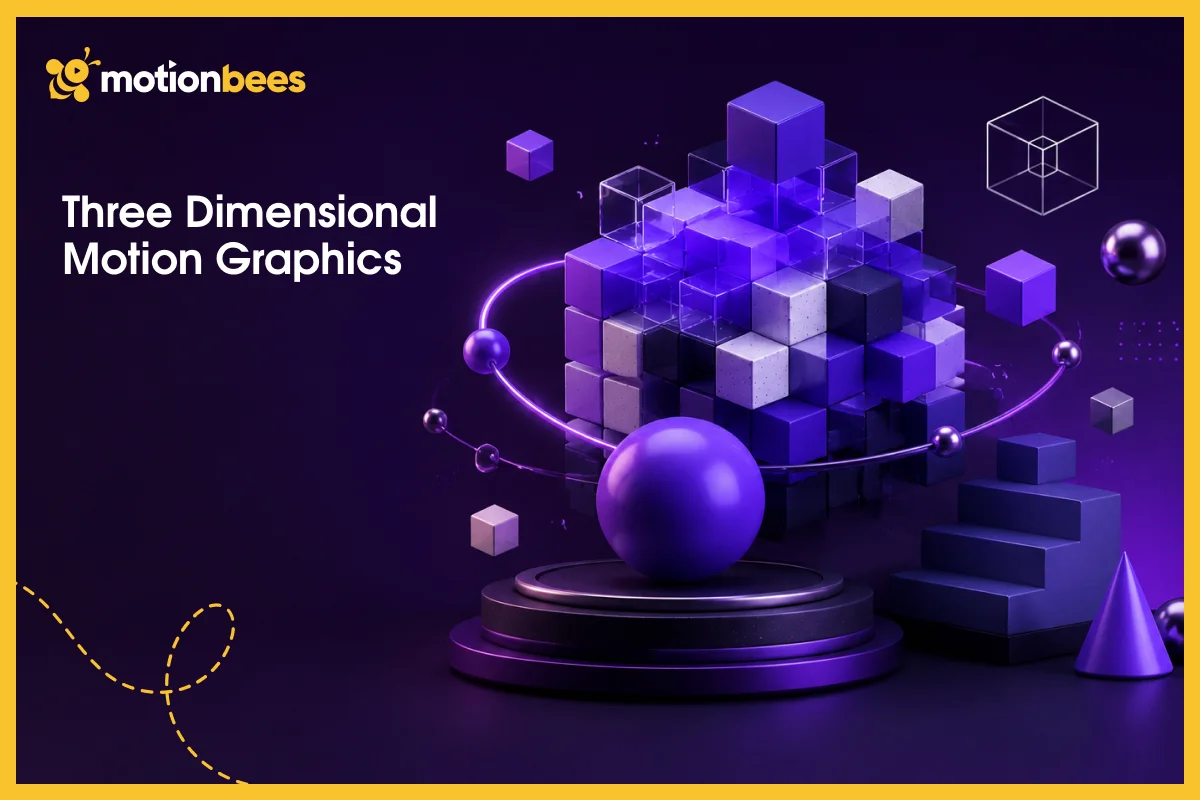
3D motion graphics add literal dimension to the work. Objects rotate in 3Dspace; cameras move through environments, lighting and shadows create depth and visual impact. Product demos use 3D constantly.
Architectural visualizations and high end commercials do too. But there’s a real cost to it. 3D takes longer to produce and requires more technical skill.
Most companies only justify the investment for significant projects where that extra production value actually matters to the bottom line.
Kinetic Typography
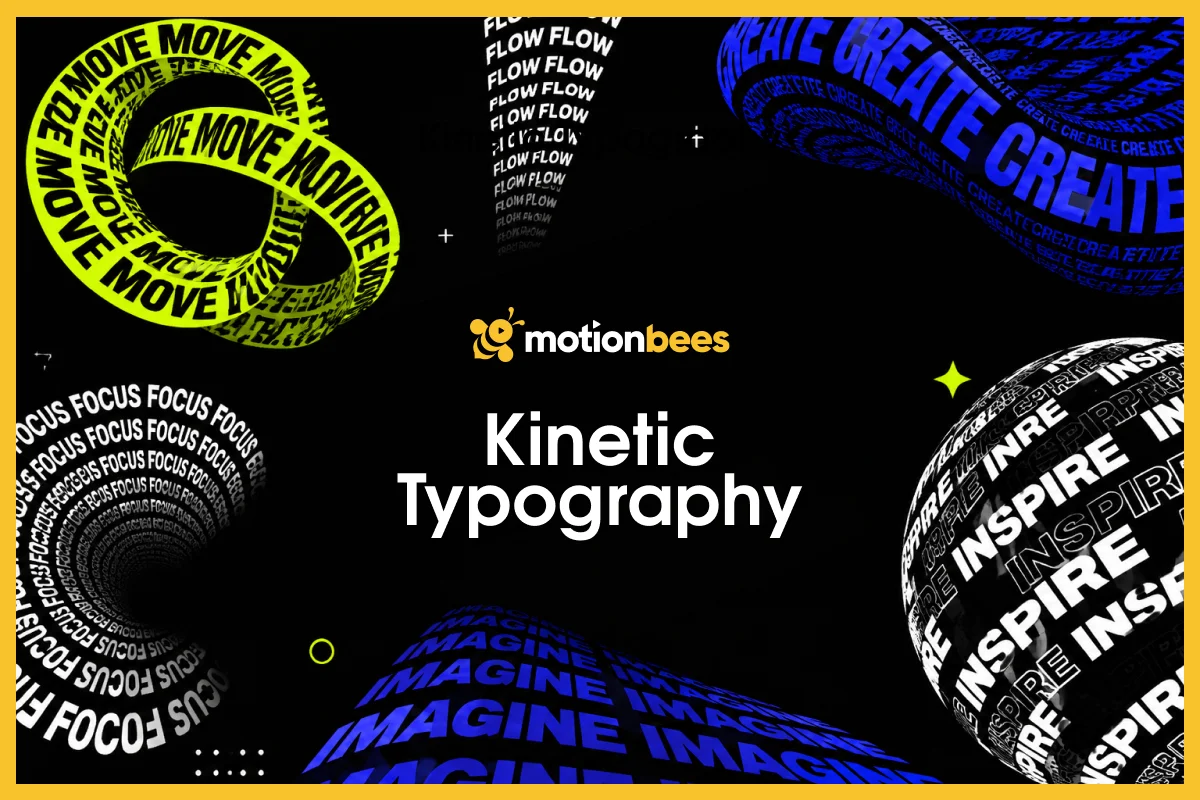
It is simply animated text. Words pop on screen, move around, transform to match voiceover or music.
Sometimes the text is the entire visual. Those viral quotes that appear on screen in interesting ways? That’s kinetic typography.
It’s surprisingly powerful because text is so readable and immediate. People get it instantly.
Animated Data Visualization
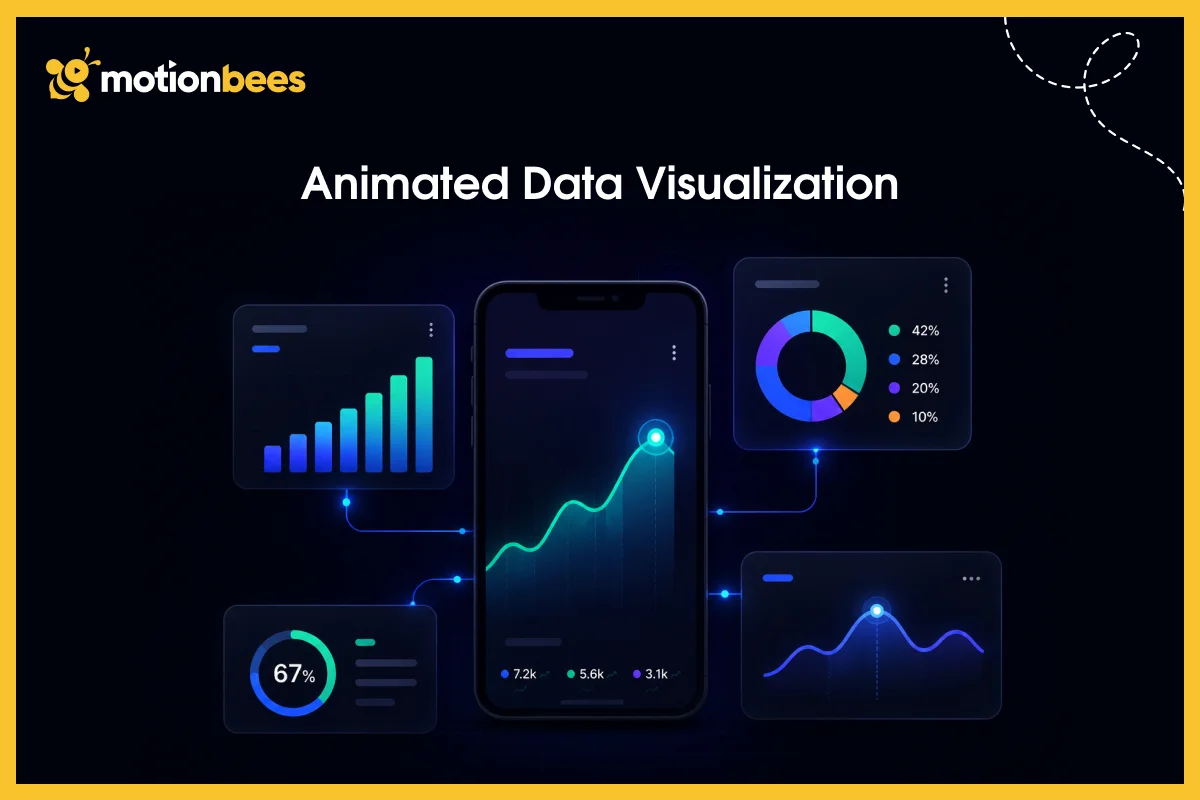
This brings charts and diagrams to life. Pie charts build slice by slice. Line graphs draw themselves across the screen and bar charts scale up to show comparisons.
This works great for corporate presentations, news graphics, educational content. Complex data becomes digestible when it animates instead of just sitting static on the screen.
UI/UX Motion Design
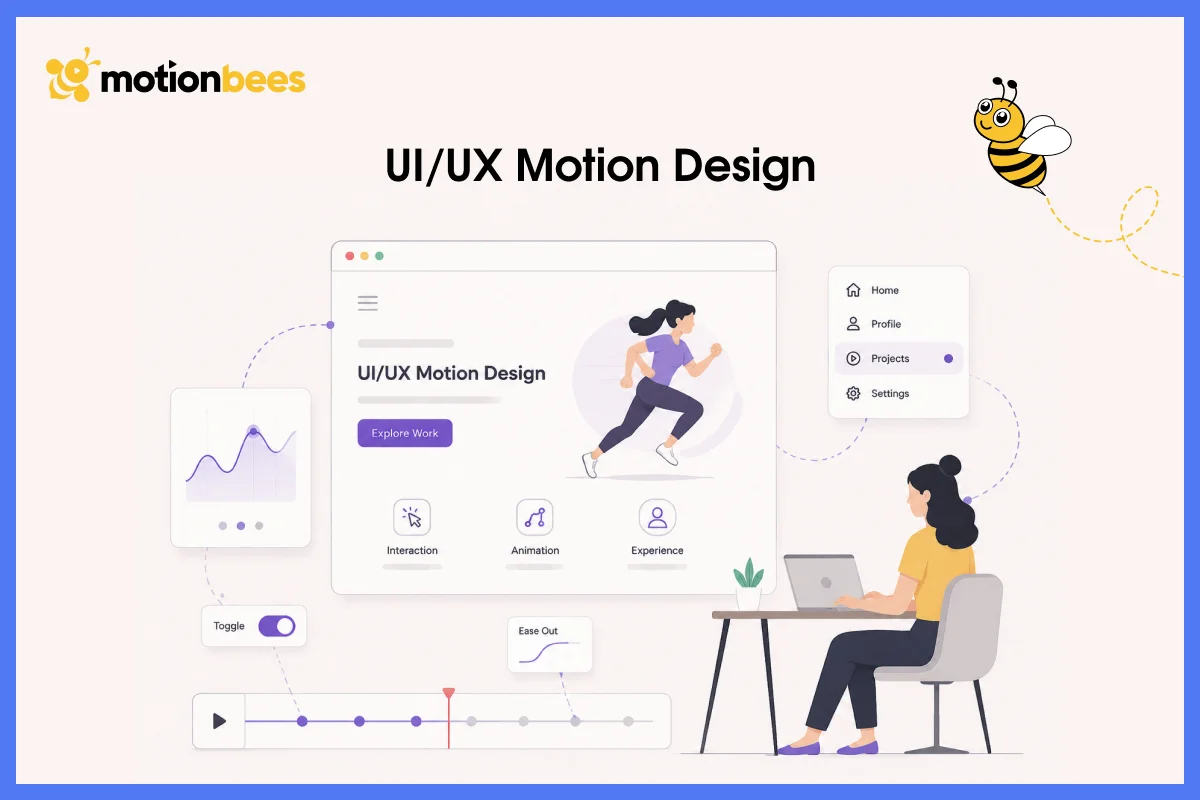
It involves micro interactions throughout digital experiences. Loading spinners, button hover effects, page transitions, and menu reveals, these are small animations built into websites and apps that guide users, provide feedback, make interfaces feel responsive and alive.
This isn’t standalone animation. Its motion embedded directly into interactive systems.
Logo Animation and Brand Motion
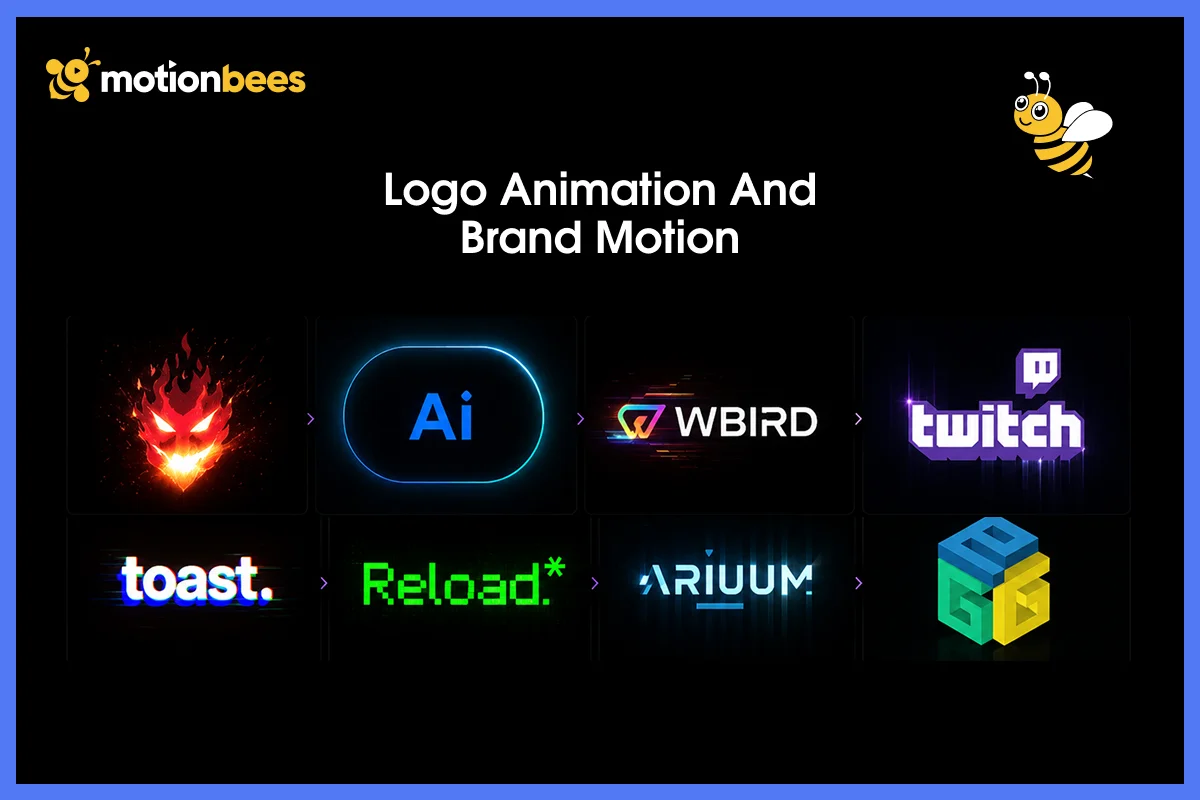
These give static marks personality and life. A logo might spin, morph, or reveal internal details. Wordmarks build letter by letter. This strengthens brand recognition and makes intros memorable. You see logo animation in broadcast graphics, YouTube intros, and commercial opens everywhere.
Explainer Videos

These combine motion graphics with voiceover to break down complex concepts. A difficult process becomes a series of animated diagrams. A confusing product feature gets demonstrated through animated visuals.
Motion and voiceover work together to make abstract ideas concrete and understandable. This is one of the highest demand applications in the industry right now.
Where You’ll See Motion Graphics in Real Business
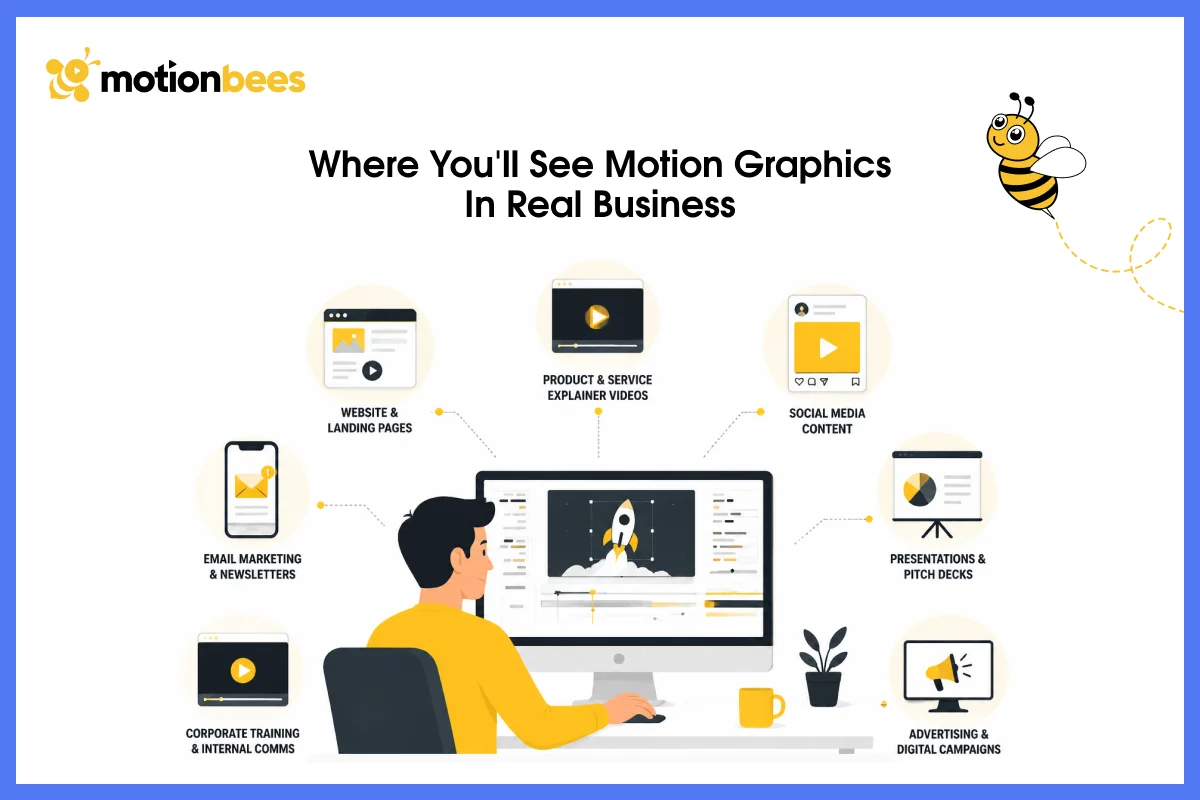
Explainer Videos Solve Real Problems
Explainer videos work because they solve a real problem: you need to explain something fast and people need to get it immediately. Slack uses explainer videos to show how teams collaborate. Dropbox’s explainer video went massively viral showing how file syncing works in under two minutes.
When you’re trying to communicate something abstract or complex, an explainer video with motion graphics is incredibly effective.
Social Media Is Dominated by Motion Graphics
Social media is absolutely dominated by motion graphics now. TikTok, Instagram Reels, YouTube Shorts all prioritize video.
Motion graphics fit perfectly into these platforms. Animated text grabs scrolling attention because animated transitions feel dynamic. In educational clips, animated content get way more shares than static posts. Creators who understood this early are making bank.
Broadcast Graphics Keep Evolving
Broadcast graphics keep evolving with new technologies and viewer expectations. News channels use lower thirds (graphics identifying speakers), and sports broadcasts layer animated graphics over live footage to show replays and stats.
Film and Television Use Motion Graphics Extensively
Movie title sequences are almost always motion graphics now. Those opening sequences of Marvel movies represents motion graphics.
Television show opening credits combine motion graphics with typography and imagery. Episode bumpers and transitions also use motion throughout. Moreover, high end productions employ motion designers alongside traditional animators as standard practice.
Corporate Communications Have Caught Up
Corporate communications have finally caught up with reality. Internal presentations use animated infographics now. Training videos incorporate motion throughout. Leadership videos feature animated text overlays.
Companies are realizing that motion helps information stick in people’s brains better than anything static ever could.
Product Demos and SaaS Onboarding
Product demos and SaaS onboarding rely heavily on motion to guide users. Screen recordings with animated callouts. Onboarding sequences that guide new users through interfaces step by step. Tooltips that animate in at the right moment. This helps user comprehension significantly and reduces support requests because people actually understand the software when it’s shown this way.
Websites and Apps Expect Motion Now
Websites and apps expect motion now as a baseline feature. For example, animated hero sections, parallax scrolling effects, animated icon systems and hover animations that provide feedback. That’s all motion.
The web has exploded with motion design over the last few years because JavaScript libraries like Lottie made it accessible to developers who aren’t animation specialists.
Why Motion Graphics Convert Better Than Static Content
So why do companies actually spend money on motion graphics? Because motion works. That’s not hype or guesswork and research back it up completely.
Comprehension and Retention Improve
When information combines visual, auditory, and kinetic elements, people understand better and remember longer. A static infographic communicates data. An animated infographic communicates data plus the relationships between data points plus the process of change. That’s a huge difference. People retain motion based learning better than static learning by a significant margin.
Engagement Skyrockets
Social media algorithms reward watch time and engagement metrics. Video posts get more clicks, shares, and comments than static posts consistently. Animated content outperforms static content on every platform. This isn’t coincidence. Motion captures attention at a neurological level. Your brain is wired to notice movement.
Complexity Becomes Manageable
A process that takes three paragraphs to explain becomes a two minute animated sequence that’s actually digestible. A concept requiring multiple static diagrams becomes one flowing visualization. Motion graphics make abstract information tangible and understandable in ways static design simply can’t match.
Brand Identity Strengthens Through Consistency
When a company uses consistent animation style, timing, and visual language across all their content, that style becomes recognizable instantly. Apple’s motion language is distinctive and Mailchimp’s animation style is instantly recognizable. This consistency builds brand authority and trust over time.
Cost Efficiency in Specific Situations
For certain use cases, animated explainers actually cost less than filming live action video. Motion graphics scale globally without needing localization. You change the voiceover, not the animation. Once created, motion graphics can be repurposed across multiple platforms and contexts, which reduces per-use costs significantly.
Updates and Changes Are Simple
Change a number in an animated chart and the animation updates automatically. Reuse motion graphics templates for recurring content. This creates efficiency that static design simply can’t achieve.
Ready to Bring Your Ideas to Life with Motion Graphics?
Let MotionBees create compelling motion graphics that communicate your message with clarity and impact.
Real World Examples: What Makes Motion Graphics Effective
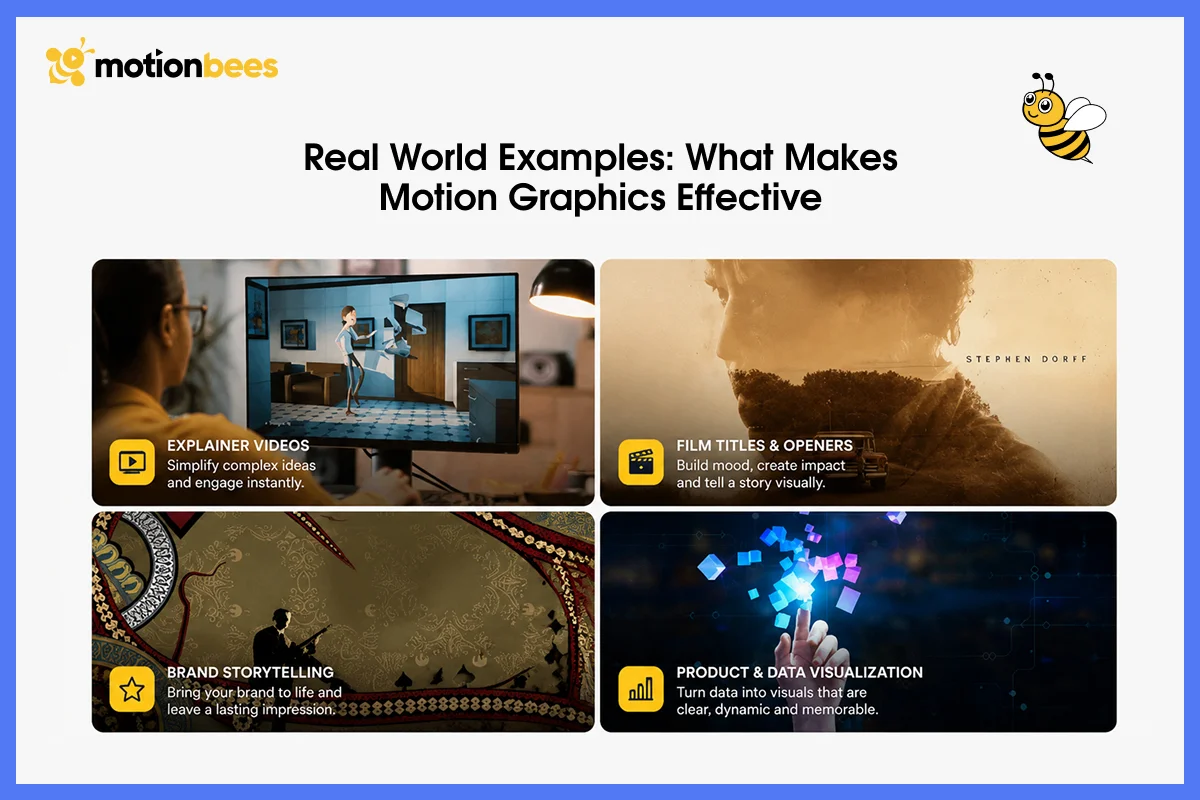
Why do some motion graphics examples feel powerful and memorable while others just feel like noise? Let’s see it through real world examples.
Google’s Material Design
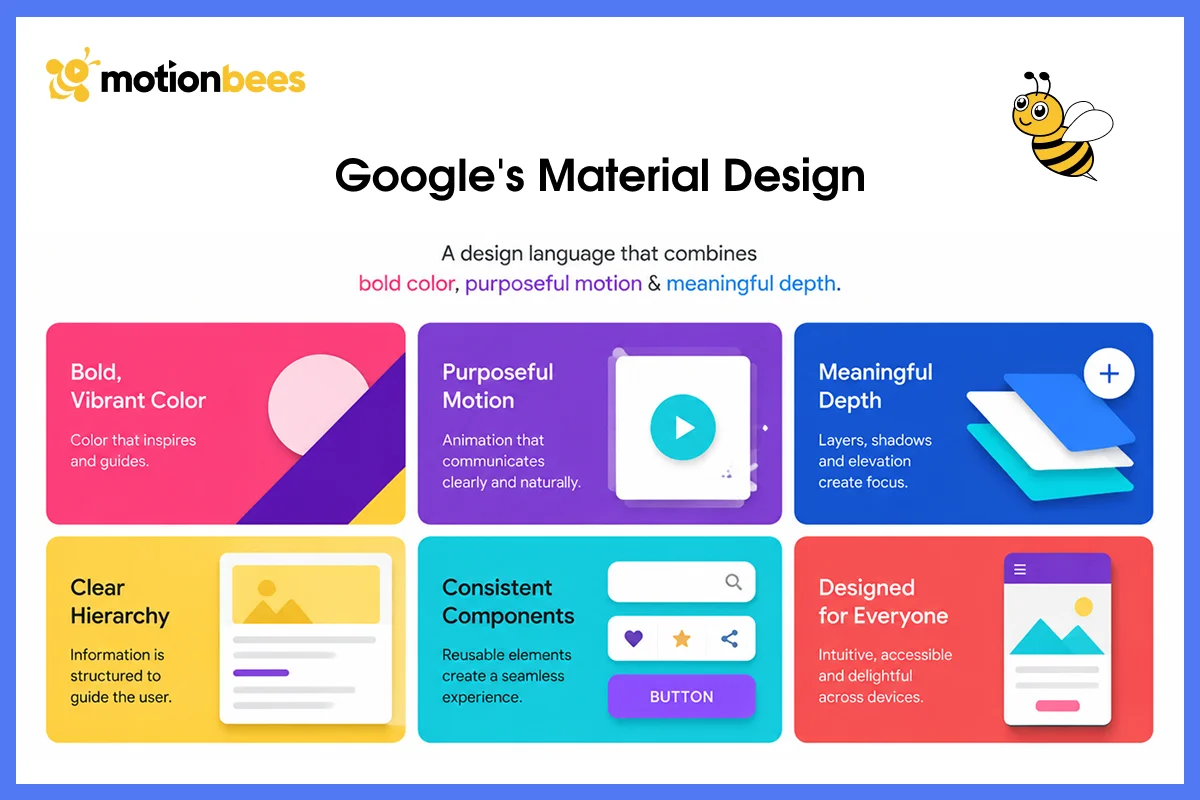
Google’s Material Design established a standard for interactive motion that changed everything. Micro interactions feel alive and responsive. A button press creates a ripple effect. A menu slides in smoothly. A loading state spins. These look simply, but they required rigorous animation principles and extensive testing. They work because they communicate state change clearly.
Dollar Shave Club Blew Up with Motion

The brand has launched itself using motion graphics in an explainer video that went viral. The animations were crude and energetic. Aggressive typography. Fast paced editing. The motion graphics style matched the brand personality perfectly because they weren’t trying to look polished. That authenticity made it shareable and memorable.
ESPN’s SportsCenter Proves Motion Serves Purpose

ESPN’s SportsCenter layers motion graphics over live footage intelligently. Replays get animated callouts. Key statistics appear with animated reveals. Player positioning gets highlighted. Complex data becomes instantly scannable. This is motion graphics serving a clear functional purpose instead of decoration.
Vimeo’s Approach Is Sophisticated
Vimeo’s upgrade announcements use clean, sophisticated 2D animation. The motion is subtle but precise. Easing is careful, timing is exact and the overall effect feels premium and intentional, not overdesigned or under designed. That’s how you use motion graphics to say “we’re premium” without saying anything at all.
Bose Combines 3D With Explanation
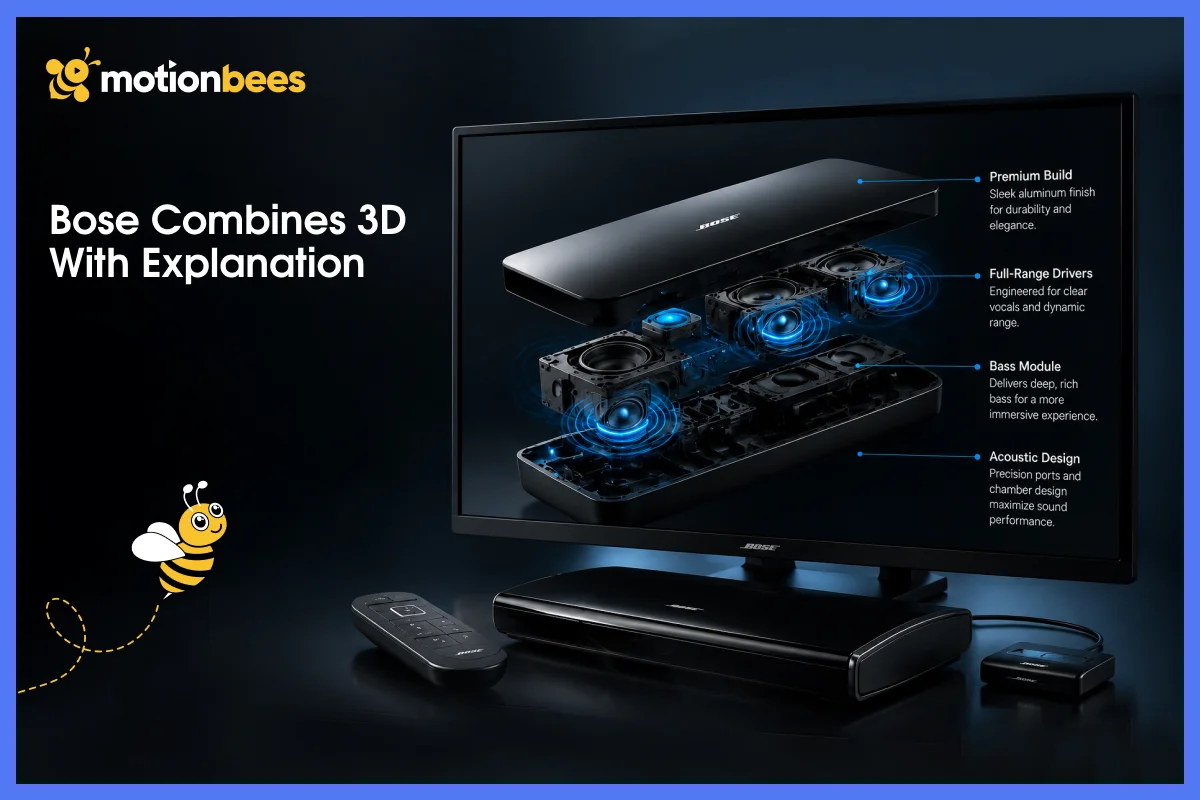
Bose combines 3D motion graphics showing product detail with 2D explainer style animations showing features. The 3D rotation establishes what the product is physically. The 2D graphics explain what it does and why it matters. Two different techniques work together to tell a complete story.
The pattern? Motion that wins has a job to do. It’s not decoration sitting around.
Motion Graphics vs. Video Editing, VFX, and 3D Animation
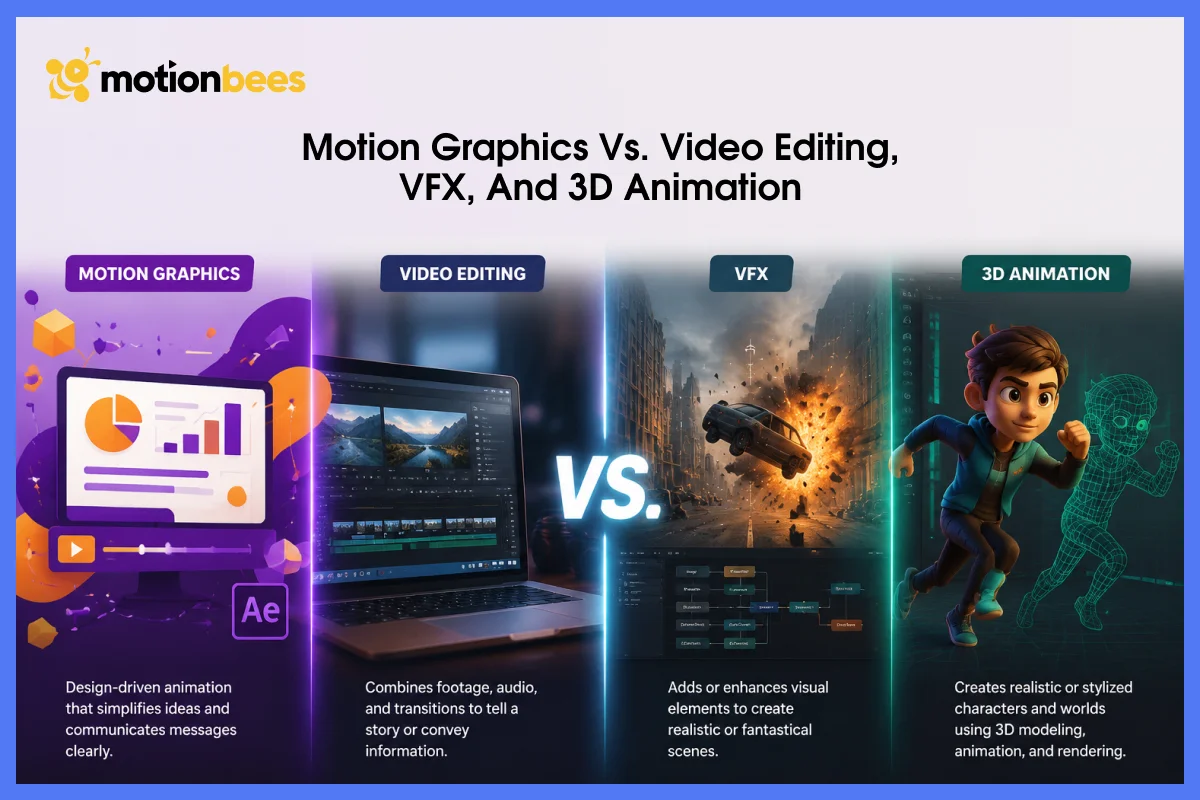
People confuse motion graphics with other types of design and animation constantly. Understanding where the boundaries are actually matters.
Graphic Design vs. Motion Graphics
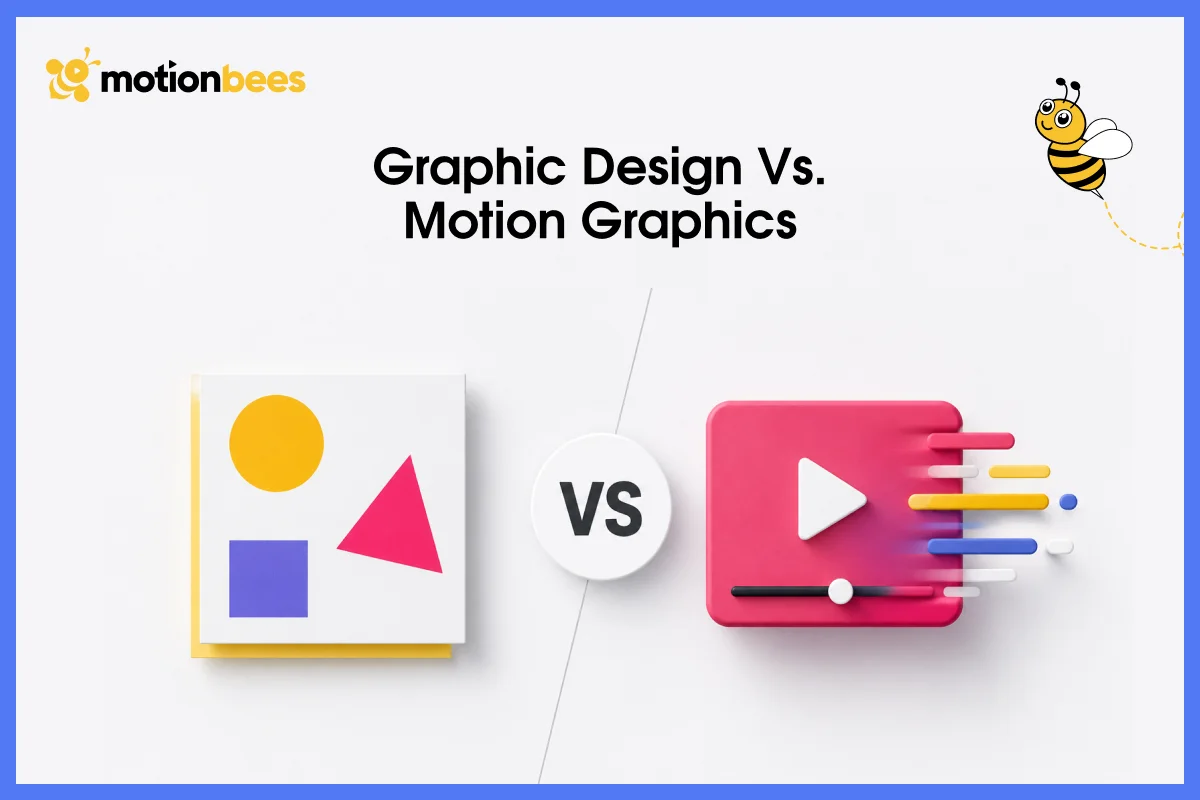
Graphic design is static such as a poster, logo, website layout, or a business card. The message lives in one visual moment. Motion graphics add the time dimension. You’re still using the same design principles (hierarchy, balance, color theory), but now composition unfolds over seconds or minutes instead of existing in a single frozen moment.
Video Editing vs. Motion Graphics
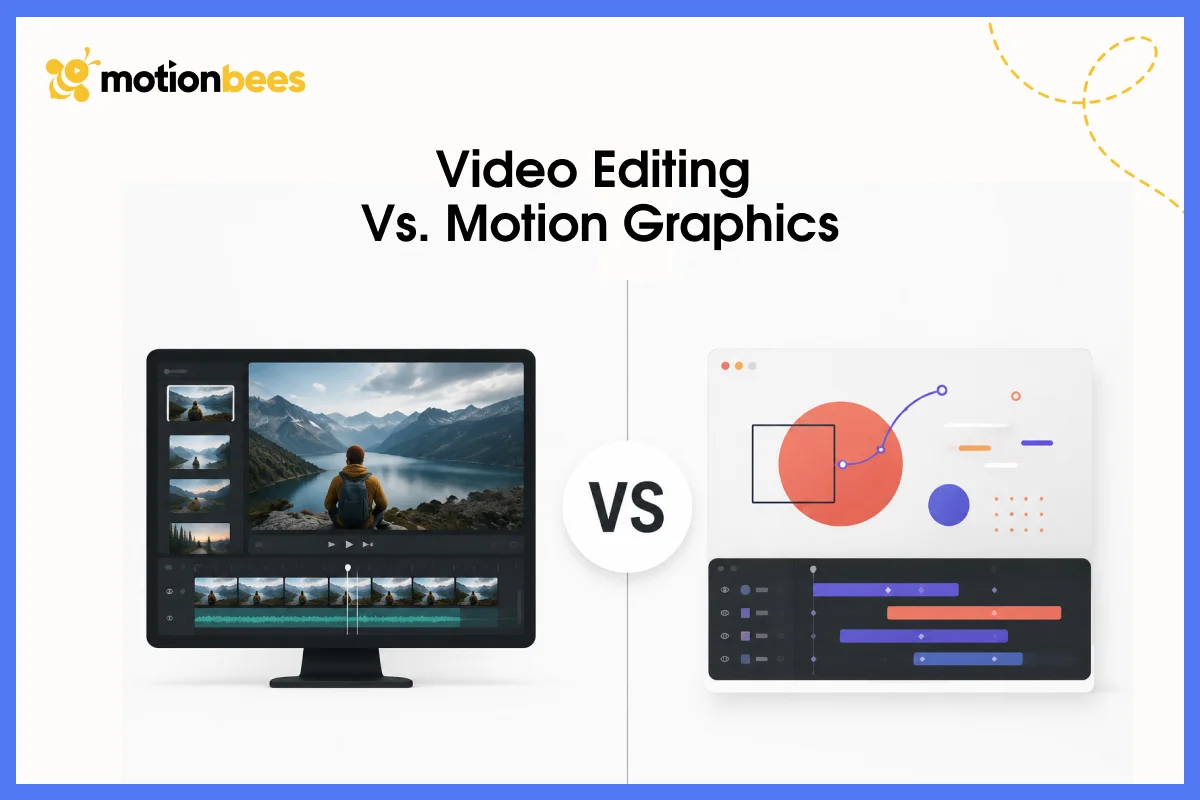
Video editing works with footage you already have. Editors cut between shots, trim things down, add transitions between existing materials. Motion designers start from scratch. Editors are assembling material while motion designers are building it. Skills overlap constantly, but the core function is completely different.
3D Animation vs. Motion Graphics
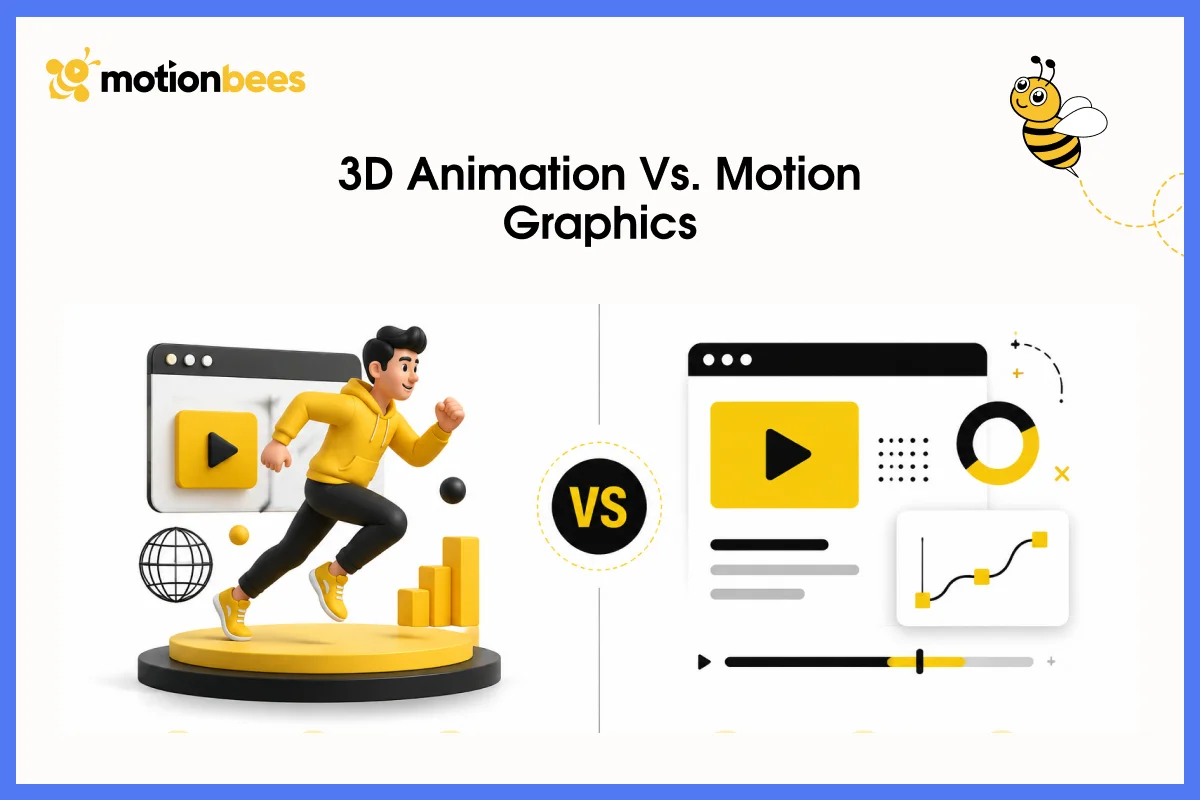
3D animation creates objects and characters that move through three dimensional space. Motion graphics can be 2D or 3D, but the intent differs significantly. A 3D character animator creates a character walking across a landscape and interacting with the environment. A 3D motion graphics animator creates a product rotating in 3D space then disassembling into geometric shapes. Same software, completely different purpose.
VFX vs. Motion Graphics
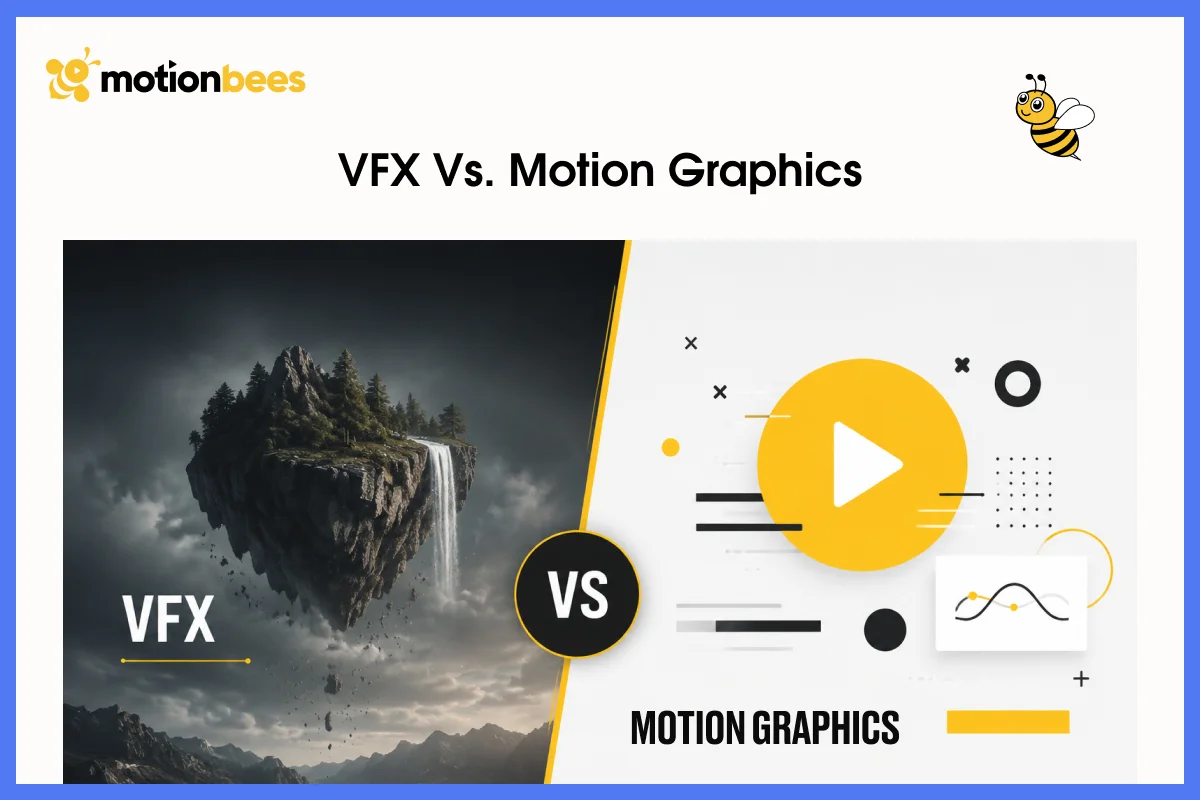
VFX integrate animation into filmed reality. A visual effects artist composites explosions, fire, or magical effects into live action footage. Motion graphics typically stand alone or exist in designed environments instead. VFX requires rotoscoping (masking frame by frame) and color matching to make effects blend seamlessly with footage. Motion designers work in controlled designed spaces they built. Completely different skill sets.
Essential Skills and Tools Motion Designers Need
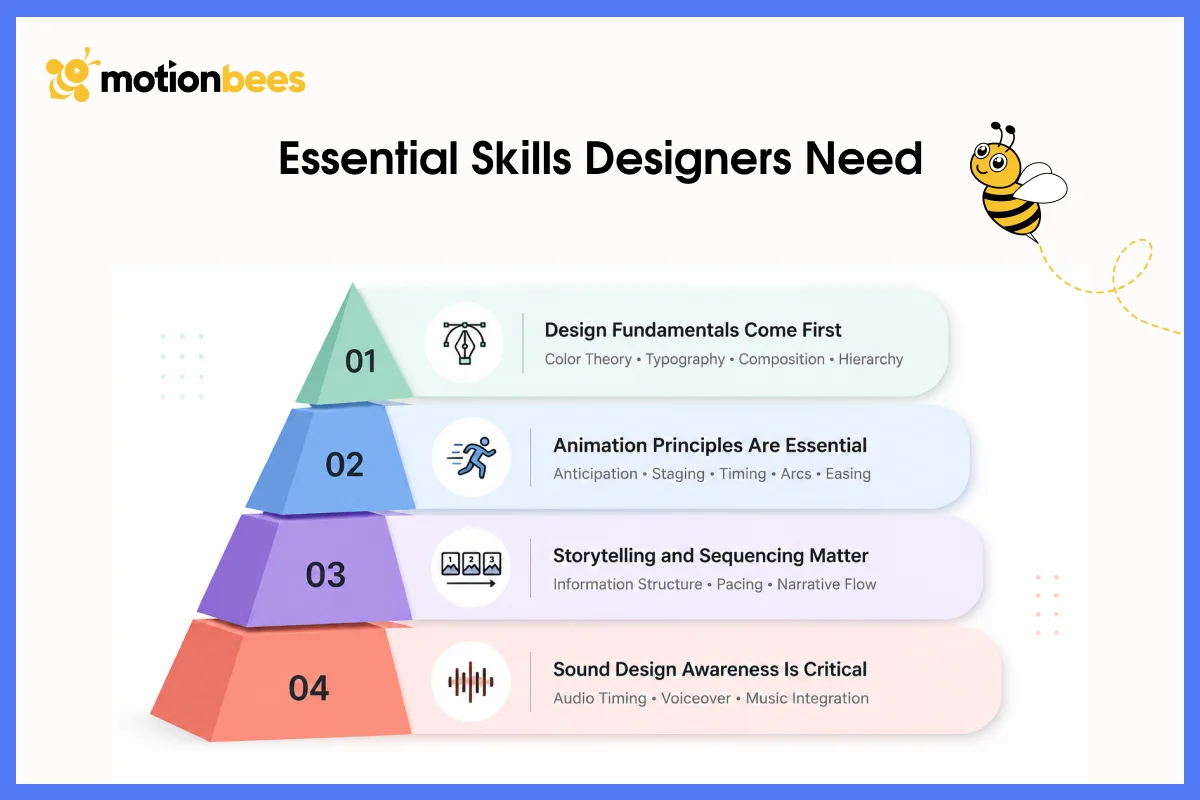
Design Fundamentals Come First
It matters before anything else. Color theory, typography, composition, hierarchy. These don’t disappear when motion enters the equation. You need to understand visual design at a fundamental level. Many motion designers come from graphic design backgrounds specifically for this reason.
Animation Principles Are Essential
Principles including Anticipation, staging, timing, arcs, and easing are essential too. Disney animators formalized these principles decades ago and they apply directly to motion graphics work. You need to understand why motion feels right or wrong. Why does a particular ease feel natural? Why does certain timing feel snappy instead of sluggish?
Storytelling and Sequencing Matter
Storytelling and sequencing matter, especially for long-form work. For example, how do you structure information so viewers actually understand it? What should appear first to set context? How do you pace information reveals so people stay engaged? These are narrative skills that most motion designers don’t think about enough.
Sound Design Awareness Is Critical
Sound design awareness is critical too. Motion graphics work with voiceover, music, or sound effects as standard. A designer needs to understand how animation timing matches up with audio timing. Silent motion works fine, but pairing motion with sound multiplies the impact exponentially.
Technical Software Skills Come Last
Technical software skills come last, which might surprise you. Software changes constantly. Skills transfer across tools. If a designer understands motion principles, they can learn any software because software is just the tool. The principles are what matter.
Industry Standard Tools
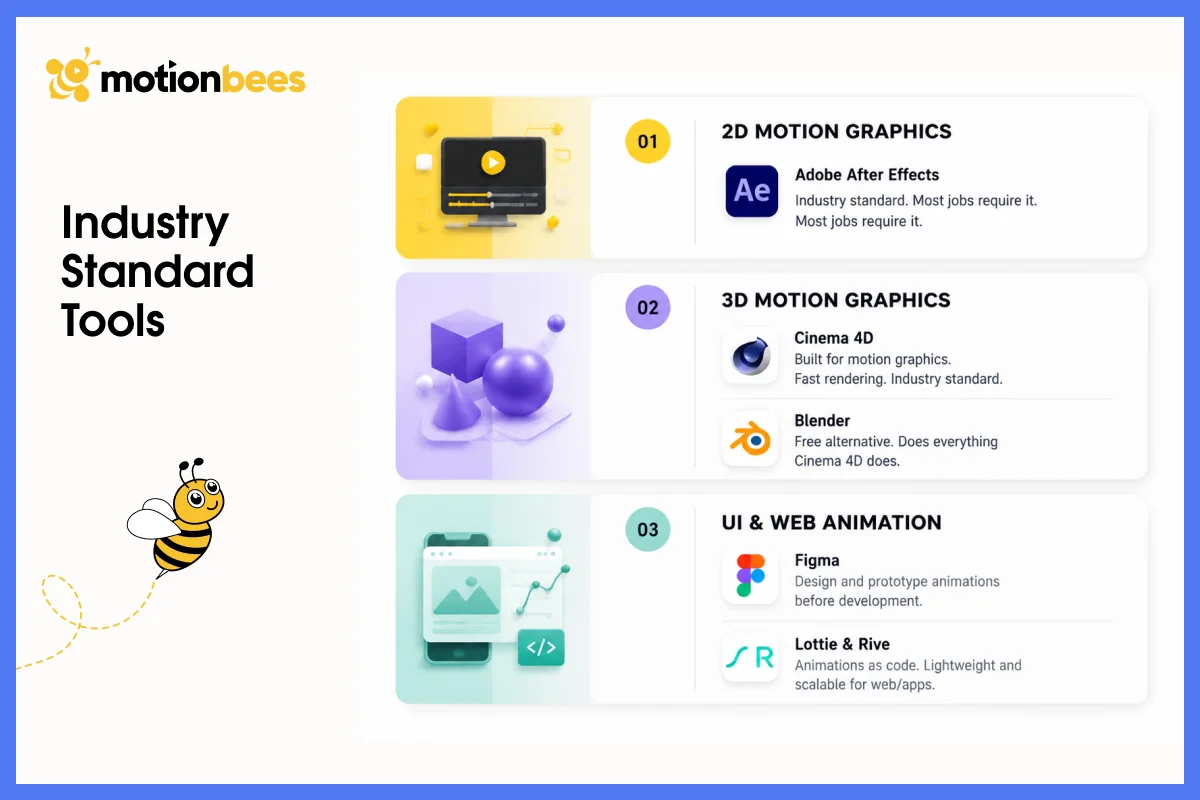
Adobe After Effects dominates the industry for 2D motion graphics. It’s the standard everywhere. Widely used. Massive plugin ecosystem. Thousands of templates available. Learning After Effects opens the most career doors because most motion graphics jobs expect you to know it.
Cinema 4D is the 3D standard because it’s designed specifically for motion graphics work. Renders fast. Has motion graphics preset systems built in. Integrates seamlessly with After Effects. Many broadcast and advertising studios use Cinema 4D as their core 3D tool.
Blender is becoming viable now. It’s free and open source, does everything Cinema 4D does, and independent creators are adopting it because they don’t have big budgets.
Figma handles UI motion design well. Designers use Figma to design interfaces and prototype animations before developers implement them.
Lottie and Rive create web animations that render as code rather than video. Lightweight, scalable, responsive. Perfect for websites and apps.
What Motion Graphics Actually Costs
This varies wildly depending on what you actually need.
A simple logo animation runs 500 to 1500 dollars. A 60 second explainer video with voiceover and sound design runs 3000 to 8000 dollars. A broadcast quality 30 second commercial with 3D elements runs 15000 to 50000 dollars. A yearlong retainer for ongoing social media motion graphics runs 2000 to 5000 dollars monthly.
These ranges depend on complexity level, number of revisions, how much custom animation versus templates, timeline tightness, and the creator’s experience level.
Freelance motion designers typically charge hourly (50 to 150 dollars per hour) or by project (1000 to 10000 dollars depending on experience). Agencies charge more: usually 2 to 3 times freelancer rates because of overhead and team resources. In house motion designers make sense if you need constant content production.
How to Learn Motion Graphics: A Realistic Timeline
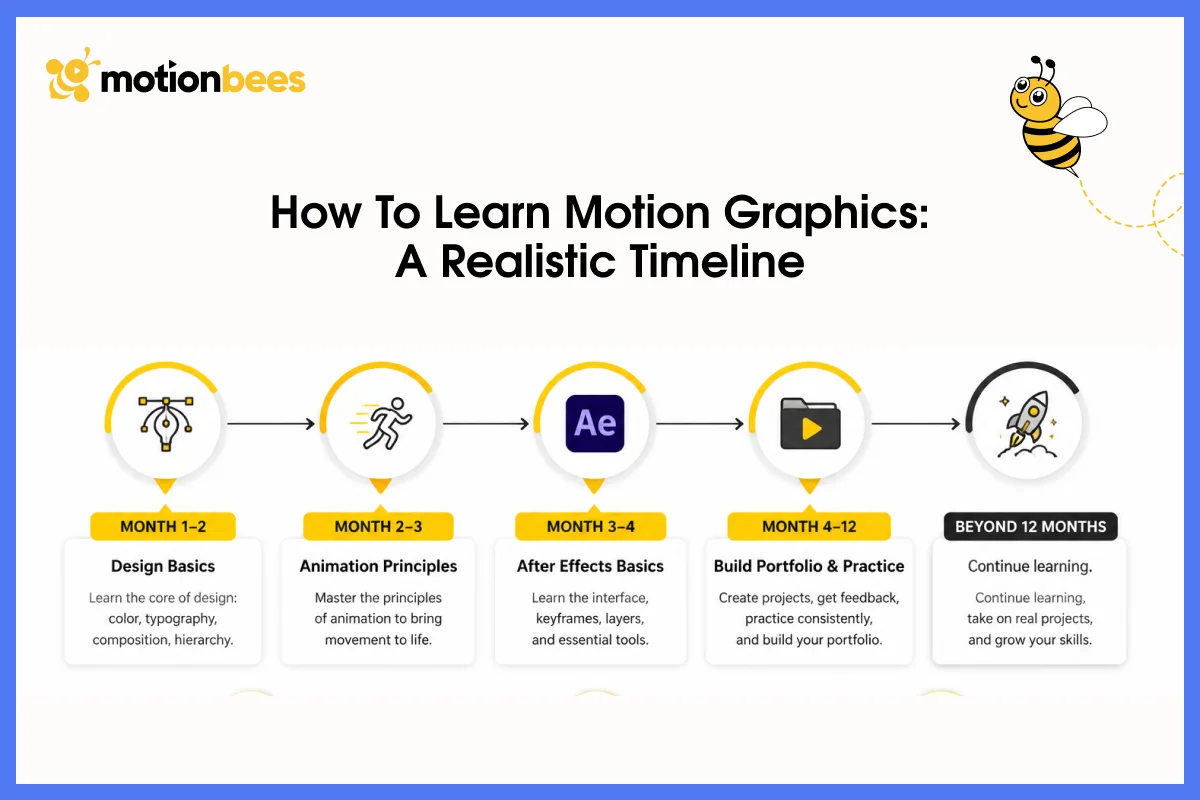
Foundation First
Start with design fundamentals. If you’re not comfortable with color, typography, and composition, begin there. Courses on Skillshare or YouTube teach this stuff fast. This foundation is non-negotiable.
Step 1: Design Fundamentals
Next, learn the 12 principles of animation. These principles are well documented in books and courses. Spend a few weeks understanding anticipation, timing, and easing. This actually changes how you think about motion permanently.
Step 2: Animation Principles
Then learn After Effects. Give yourself 4 to 8 weeks getting comfortable with the interface and basic techniques. After Effects has a learning curve, but it’s worth it. You’ll build faster over time.
Step 3: Learn Software
Practice on actual projects now. Create motion graphics pieces, post them, get feedback, iterate. Most motion designers spend 6 to 12 months building portfolio pieces before they’re employable. That’s normal.
Step 4: Build Portfolio
Realistic timeline: expect 6 to 12 months to basic competency, 2 to 3 years to real proficiency, 5 plus years to mastery. Motion graphics skill compounds with experience. Early work is slow. Speed comes with practice.
Where to Learn
Resources are everywhere. YouTube has free tutorials for everything. Skillshare, LinkedIn Learning, and Udemy offer affordable courses (20 to 50 dollars). Motion Collective is a community of motion designers who give real feedback on your work. After Effects forums are full of people who’ve hit the same problems, you will and actually answer questions.
Should Your Brand Invest in Motion Graphics?
What is motion graphics at its core? Animated design elements communicating information or grabbing attention through movement, timing, and sound.
But the why matters more than the what. Motion works. It communicates faster, sticks longer and engages more effectively than static alternatives by far.
You see motion graphics everywhere now, social media, broadcast, websites, apps, advertising, and education. The demand keeps growing because platforms prioritize video and companies fight harder for attention.
Understanding what is motion graphics matters whether you’re considering it for your business, learning to create it yourself, or hiring someone to produce it. Motion graphics aren’t decoration. They’re a communication tool that works.
If you’re thinking about motion graphics for your brand, skip asking whether you can afford them. Ask instead whether you can afford not to use them when your competitors are already capturing attention and driving engagement through motion.
Ready to Stop Being Static?
At Motionbees, we help brands communicate better, faster, and louder through motion graphics. From explainer videos to social media animation to complete brand motion systems, we provide all kind of motion graphic services for variety of businesses.
Let’s talk about what your brand actually needs.
Get Your Free Motion Graphics Audit
They are a subset of animation. All motion graphics are animation, but not all animation is motion graphics. It specifically refers to animated graphic design elements used to communicate information.
An animator typically creates character animation or visual effects. A motion graphics animator (also called a motion designer or motion graphic designer) creates animated graphic elements. Different skill sets. Different applications.
Adobe After Effects is the industry standard for 2D motion graphics. Cinema 4D for 3D. Figma for UI motion. If you’re starting out, After Effects opens the most doors.
Yes, it is a growing field. Video content demand increases yearly. Platforms prioritize video and businesses compete for attention through animated content. This is why motion animation skills are in demand across advertising, tech, entertainment, education, and corporate communications.
Timeline varies by complexity. A simple 15 second social media clip might take 2 to 4 days. A 60 second explainer video takes 3 to 4 weeks. A broadcast commercial takes 6 to 12 weeks. These timelines assume the designer isn’t learning software simultaneously.

Hafsa Hanif is a talented content writer at Motionbees, Webnhubs and Artisticore specializing in topics such as graphic design, web design and development, logo design, and animation. With her deep understanding of design principles and creative processes, Hafsa crafts engaging, informative, and SEO-optimized content that resonates with readers. Her expertise in SEO ensures that her articles not only captivate audiences but also rank well on search engines, helping businesses boost their online presence through compelling design-focused narratives.
