A lot of people think of visuals, colors, fonts and designs when they think of web designing. Well, that’s not entirely true because websites need to work and not just look pretty. This is where companies need to study what is a storyboard in web design because it helps design websites that tells user a story.
Storyboards are not plain pages. It is all what users experience, allow teams to better understand what works or and what doesn’t.
According to a study by Forrester, a website this designed with user experience in mind can generate a conversion rate of up to 400. The credit goes to Storyboarding which helps find issues, predict users’ behaviors, and convert.
When user experience is easy and smooth, more people are willing to sign up, buy products, and navigate content. Hence, proving that it helps companies achieve their sole objective.
The Role of Storyboards in User-Centered Design
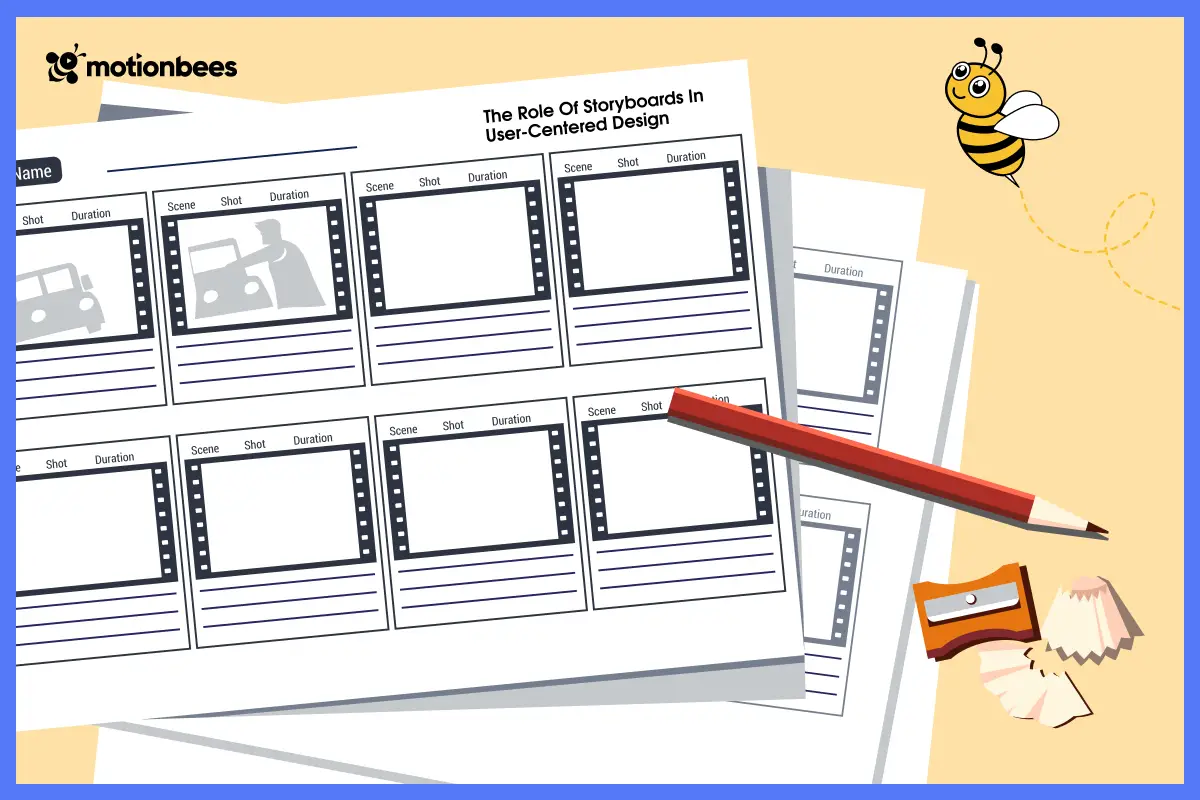
A storyboard serves as a guide to your users. It displays chains of interactions, outlines the pain points, and describes how the user thinks at every stage. This makes sure that all pages, buttons and interfaces have a reason to exist in UX design.
For example, if you see the analytics and it indicates that users are falling off during checkout. You can easily create a storyboard to understand why it is happening. Maybe there is an issue in the form, or the CTA is unclear. Visual storytelling in web design helps make decisions according to the data. It helps minimize friction and create better engagements and conversions.
Before Building, Predicting Behavior
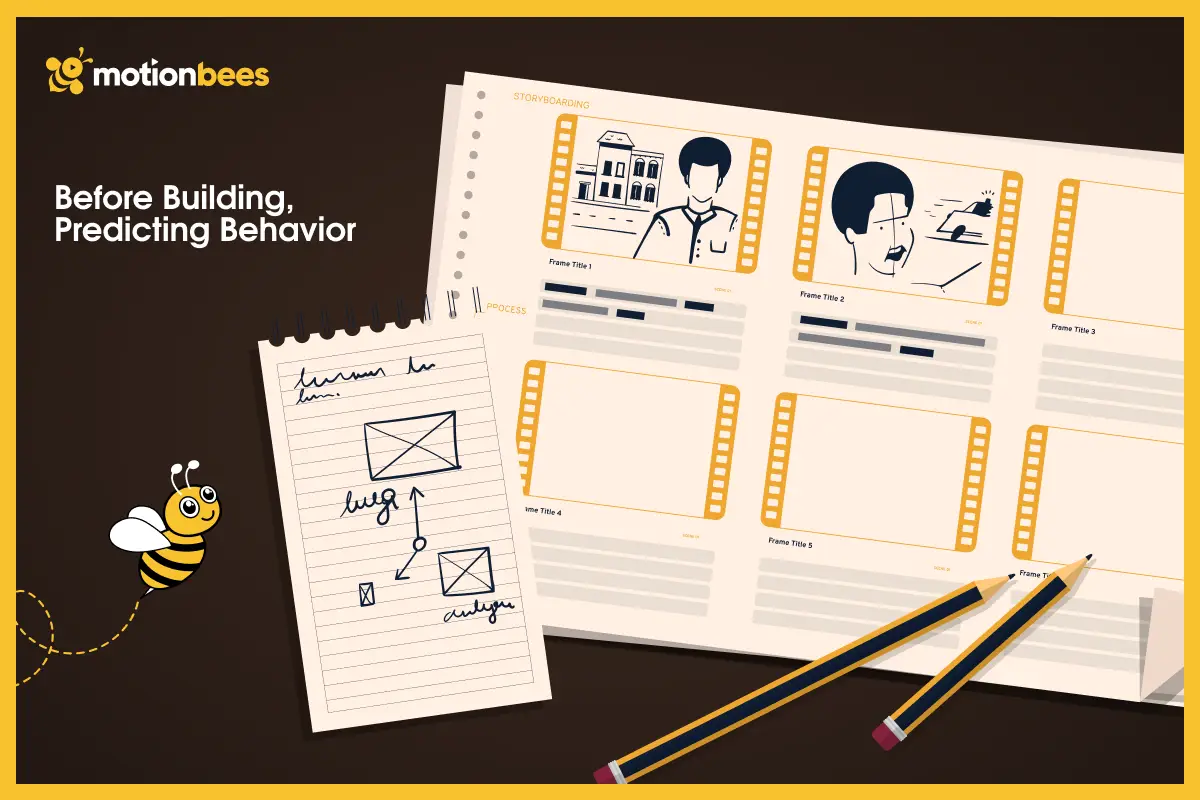
Through storyboarding, designers can think of a large picture before writing a single line of code. Storyboards are contextual, motivational and emotional in compared to wireframes, which focus on layout, prototypes, and interaction. According to a study, learning about users’ behavior save a lot of time and money that can go into revisions. So, all thanks to storyboard for giving a clear picture of how the website will perform in the eyes of the real users.
Storyboarding is an active approach that make websites simple, efficient and conversion-friendly.
What This Blog Offers
This guide mainly discusses what is a storyboard in web design and how it positively impacts how a user looks, do, click, and navigate your website.
We will also discuss the key difference between storyboards, wireframes and prototypes. Moreover, discuss how to create a storyboard and how storyboarding helps team work better, impress their clients and turn visitors into customers.
You will also learn about the key tools and tips that can help make storyboards concise and convincing. Overall, the aim of this blog is to understand what is a storyboard in web design and how it can lead to easy to use, useful and fun websites.
Storyboard Vs. Wireframe Vs. Prototype
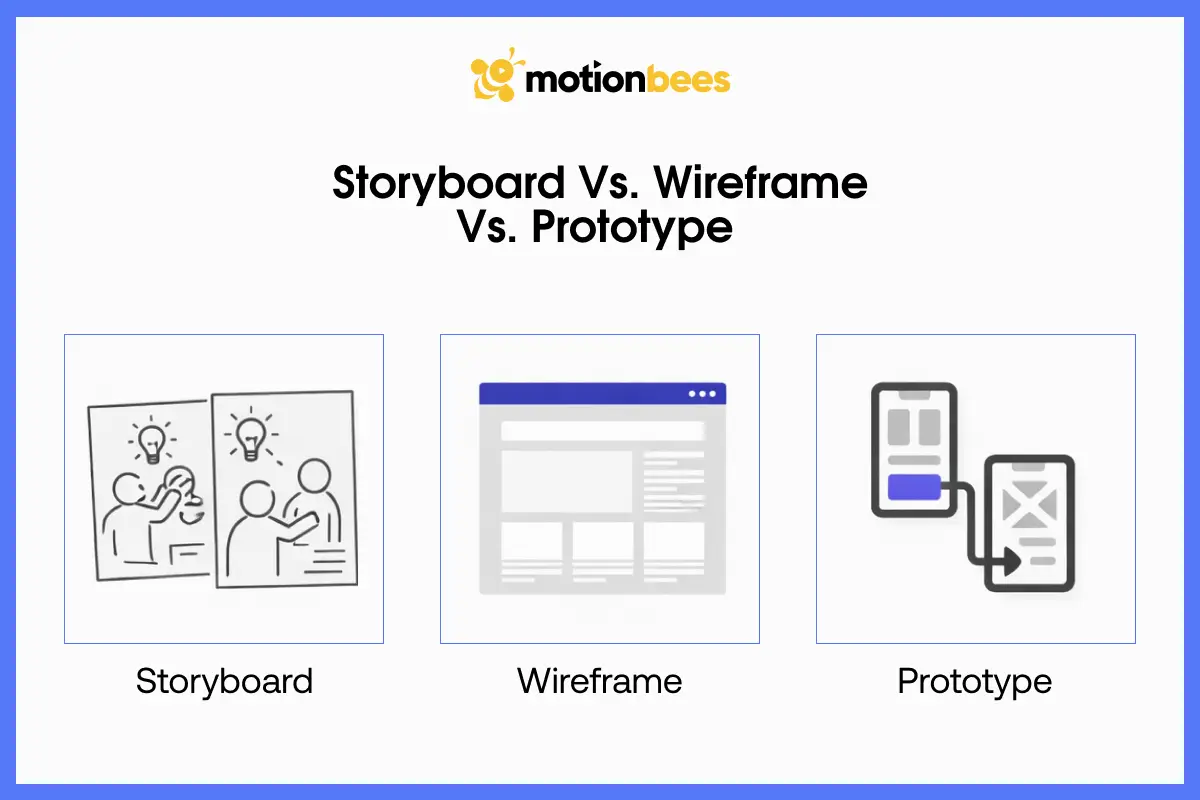
Website planning requires a number of tools, and it may be confusing. The primary ones include prototypes, storyboards and wireframes. Each play a different role and knowing the difference can make web designing fast and user-friendly.
Wireframes

The wireframes are the blueprint of a website. It discusses about the position of the buttons, menus, pictures, and text, but not about color, fonts, and graphics. Take it as laying furniture in a room and then painting the walls.
Wireframes are excellent in ensuring that everything has a spot. According to Medium, effective wireframes can save redesign cost by up to 50%. However, as they structure your pages, they do not tell you how the users feel or why they are clicking where they do. It is at this point where prototypes and storyboards come in.
Prototyping
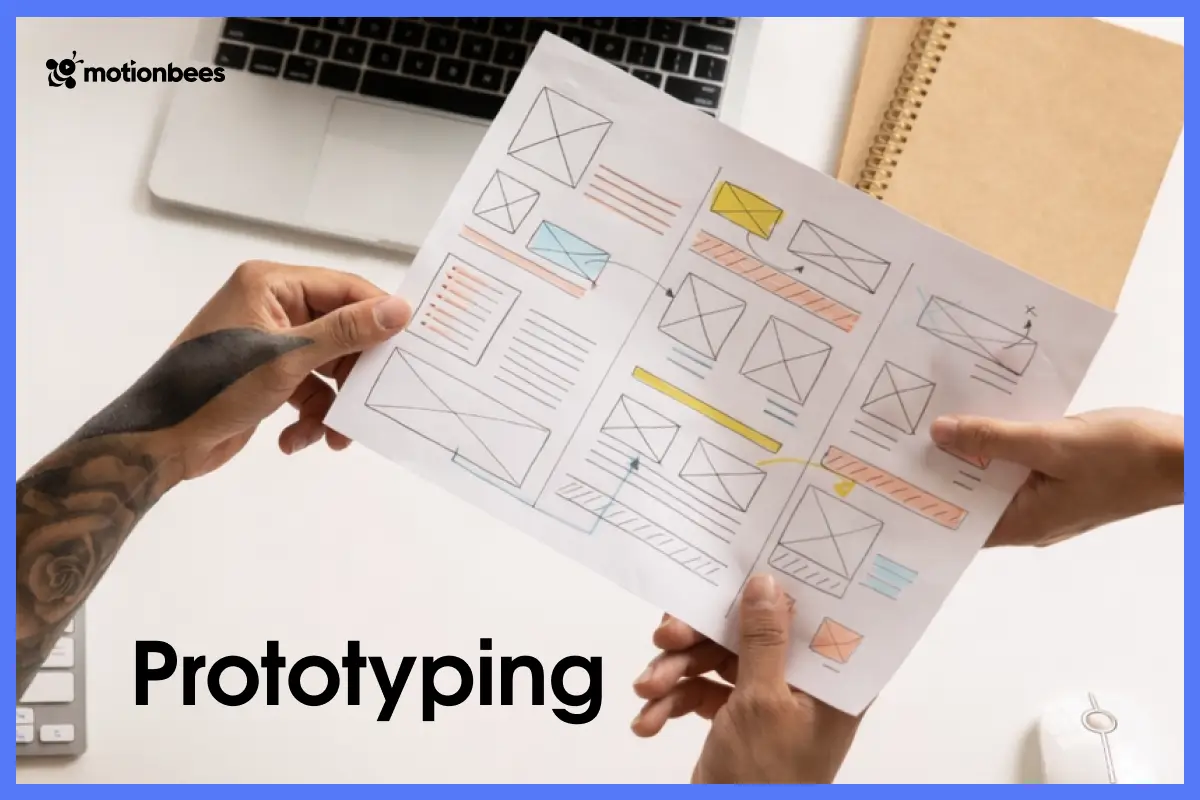
Wireframes are further developed into prototypes. They are interactive mockups which enable stakeholders to navigate by clicking around the pages as the actual site. This will assist in observing the way the users navigate, where they stutter and what may confuse them.
Although prototypes demonstrate the flow, it does not explain why users act in a specific way. You may see them clicking but you cannot tell what they think or feel. It is very easy to lose valuable information about how to make the user experience better without this context.
Storyboards
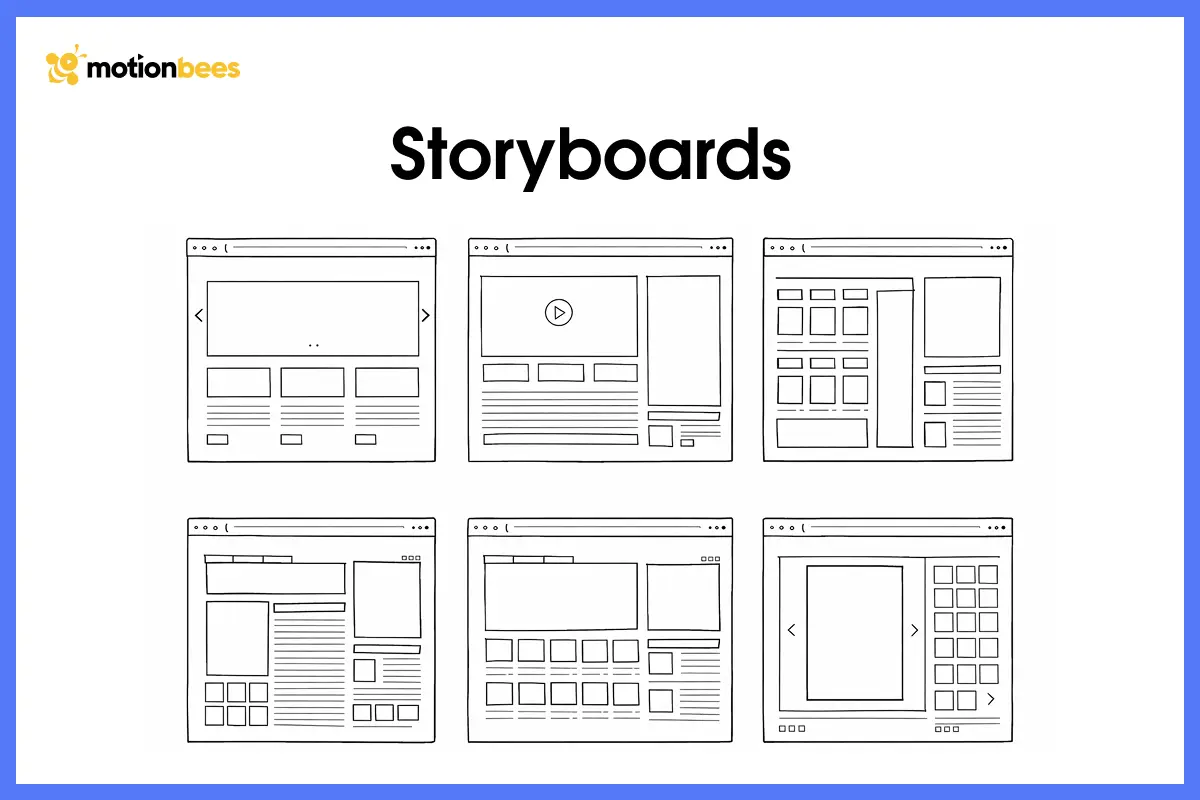
The hidden ingredient is storyboards. They consider users as real human beings who have aspirations, frustrations and feelings. Every frame of a storyboard represents a step in the journey of the user and contains the notes about what the user is thinking or how they feel.
For example, when a user is not sure about the pricing page, a storyboard can display why perhaps the information is hard to understand or he/she requires some assurance. This assists designers to build experiences that are user friendly, interactive and conversion oriented. Storyboards are not just about layout and clicks, they demonstrate the complete human experience and this makes your design smarter and more effective.
The Structure of a High Converting Web Storyboard
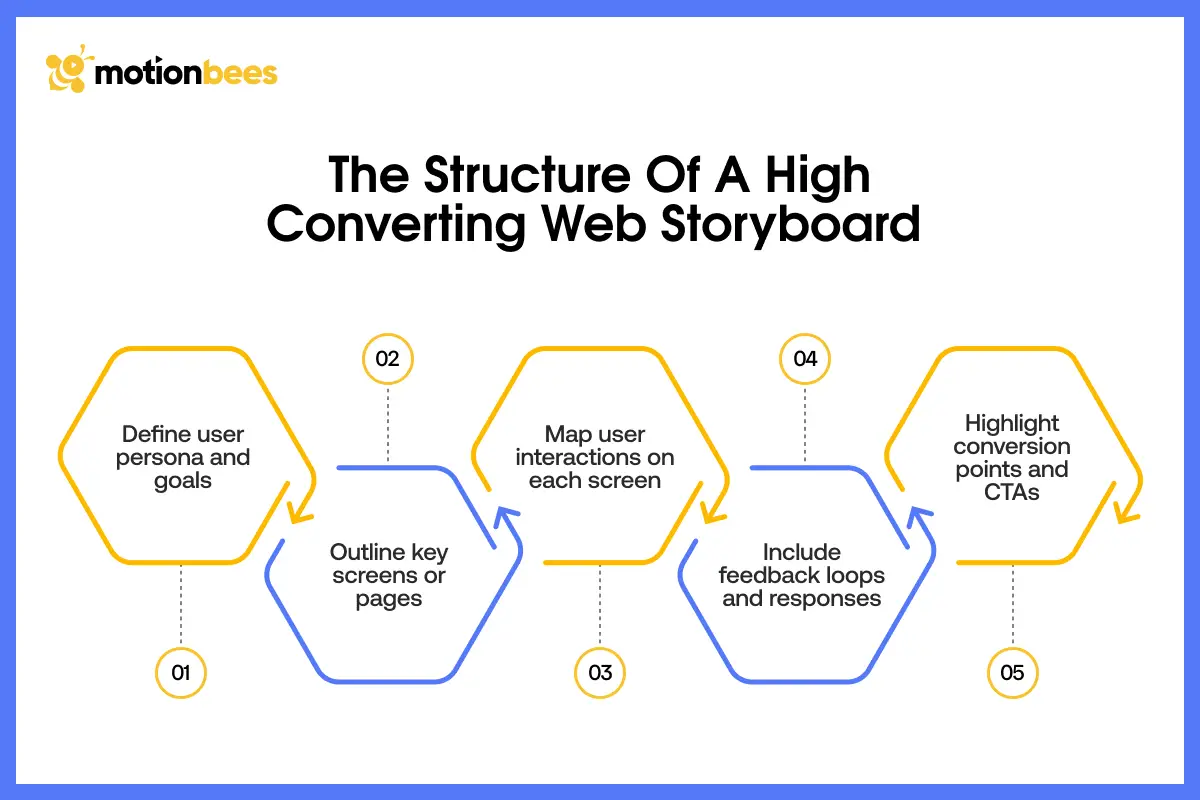
To really understand what a storyboard is in web design, it is important to know what makes a good a storyboard. This way, you can understand what is going to bring better conversions. A high converting storyboard is not just beautiful, it predicts user requirements, removes confusion and guides visitors to an action.
The Character
When we learn about what is a storyboard in web design, we discuss the core of it. The core of any storyboard is a user persona. It is a semi fictional character of your typical user. This character has inspirations, and ambitions.
For example, a user Emma who addresses an online course platform seeking advice about digital marketing. What drives her? What frustrates her? Where she hesitates? All these questions are set the beginning of your storyboard which guides you with what to work on.
The Conflict
Every story need tension. In web design, tension is called pain points. For examples, where users are stuck, lost or feel frustrated. This could be due to poor navigation or too much use of visuals.
With a storyboard, teams can look at this pain points way before any development happen.
The Scene
In this step, the client learns about how the user will interact with your site. Instead of fixed images, this section of a storyboard depicts sequences. For examples how users will scroll, stop, click, or respond to details. Such detail assists the teams and stakeholders to visualize behaviors, rather than designs. Storyboard is no longer a diagram; it is more of a script of experiences.
The Resolution
Lastly, all storyboards have a resolution, preferably a conversion. It can be the subscription to a newsletter, a purchase, a demo, or anything, but at any rate, the storyboard must assist you in determining the point at which the users make a choice to take action. This entry to action map will bring you deliberate experiences that lessen the frustration and enhance outcomes.
These elements combined create a narrative map that explains not only why the users act in a given way but why your design meets their objectives, which is far beyond what normal UX deliverables can do.
How to Build a Web Storyboard Step by Step?
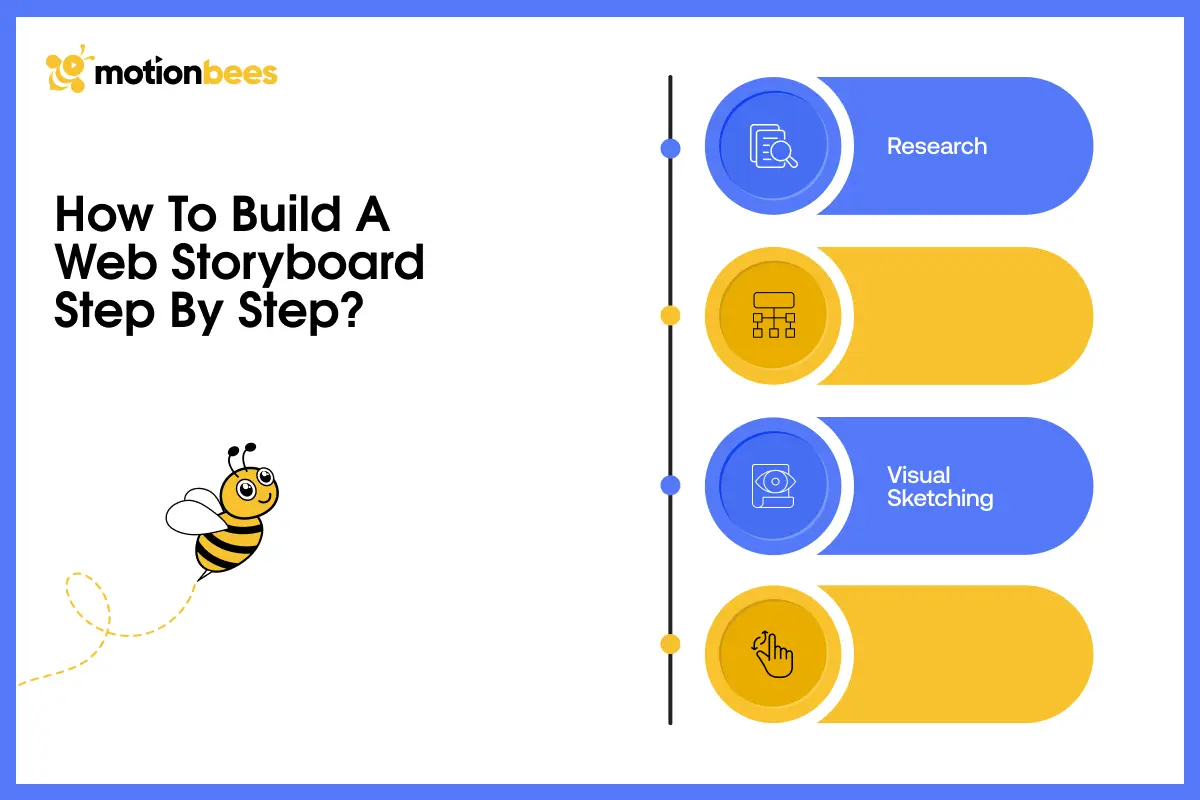
Not everyone can naturally create a storyboard, however, it is possible to make your design process much more advanced with a clear process. For this, you must learn what is a storyboard in web design step by step. This will not only help you map user journeys, but also increase conversions and to enhance brand identity.
Phase 1: Research
All this begins with research. Before you lay a hand on a pen or open Figma, you need to understand who you are dealing with. Gather data on analytics, user interviews, surveys and usability tests. This is the basis because your storyboard is not based on assumptions but on real user behaviors. Knowledge such as what users search, where they lose traction or their browsing history will shape your story.
Phase 2: Write About User Journey
Imagine it is a short story that you are writing and then drawing. Track the important events in the user journey. This includes the point of entry, the query they make, and what finally leads them to act.
Phase 3: Visual Sketching
Begin with sketch flows. For low fidelity images, you don’t have to go overboard. Just stick some figures, arrows, and basic boxes. Once you are done with it, you can refine your storyboard and add more refined visuals. Keep in mind that clarity is better than artistry so whatever you add must look clear and smooth.
Phase 4: Add Interactions and Motions
You are not going to stand out with basic web experience; you need to level up. To do this, you can add interactive features like animated menus or motion clues. Make your web experiences for everyone, be it a normal or a disabled person. This also fills the gap between non-interactive storyboards and interactive prototypes.
These turns storyboarding into a strategic blueprint which places UX thinking at the center stage and not just a visual tool.
Want to see ideas of yours come true?
Start your storyboard today and make each click count.
Storyboarding: A Client’s Approved Secret Weapon
Make Ideas Tangible
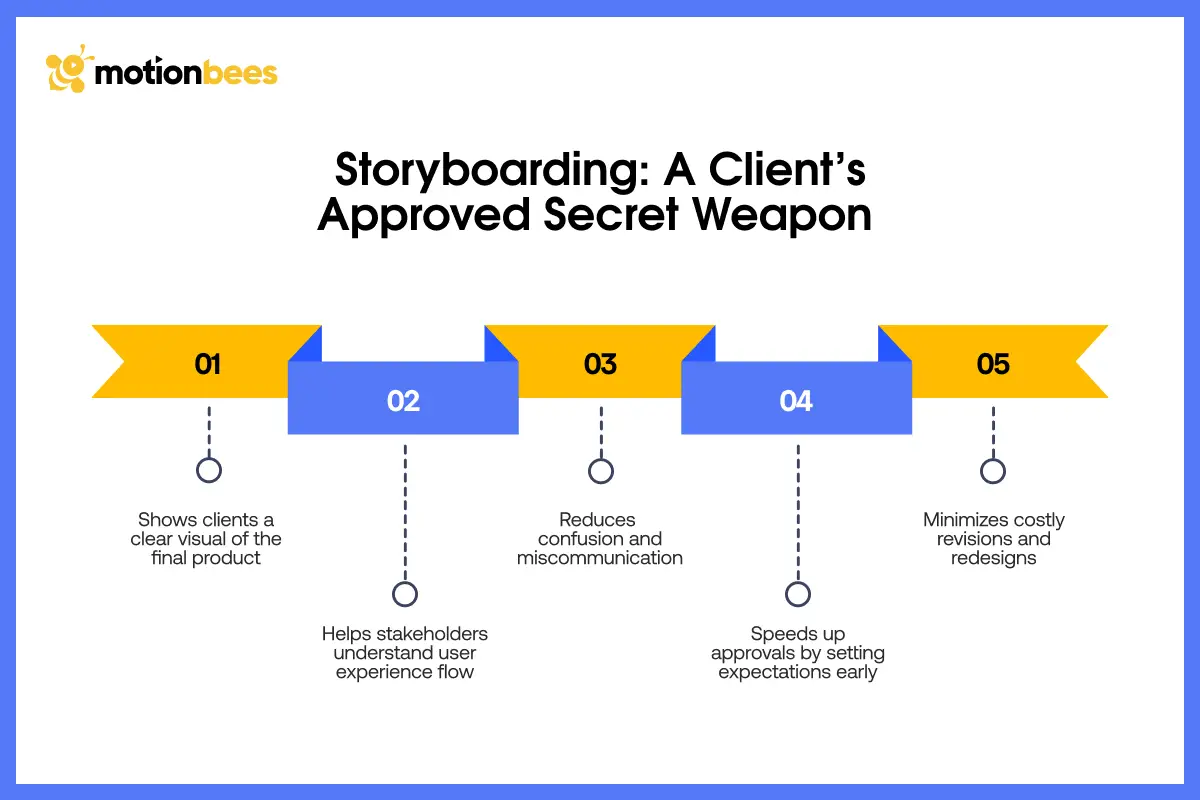
Clients find it difficult to make sense of abstract concepts. It is not enough to explain to them how a website will work. When you learn what is a storyboard in web design, you can easily transform ideas into images.
When the journey is transparent, the clients see the logic, flow and design plan. This eliminates confusion and bring alignment. Stakeholders view a page not in their mind, but in pictures. All this makes approvals quicker and feedback more accurate.
If you are still wondering what is a storyboard in web design, know that it fills the gaps between your knowledge and the client. It refines a complex concept into a simple, understandable story.
Align Teams Early
One another thing you learn when you dive deep into what is a storyboard in web design is that storyboard is favorable to both clients and your team. Everyone, including designers, developers, copywriters and marketers can understand your approach through a storyboard before any coding happens. This prevents confusions, minimizes errors and eliminates late changes. Once the team understands that reason behind each process, your work becomes more organized and productive.
Highlight UX Flaws
Creating something that looks good and not working is one of the largest risks in web design. Storyboards also identify areas of pain, friction or confusing interactions prior to writing a single line of code. Taking the walk through the journey, you can see the issues early and adjust the design. This preventive strategy saves costs of revision and makes the completed product smooth to the users.
Communicate the Story, Not Just Pages
When we study what is a storyboard in web design, we get to know that a website is more than a collection of pages. It is like a story with a start, middle and end. Storyboards allow clients to view this story. They are able to view how users use your website, what they feel and what makes them convert.
Storyboard helps you add a story; it is not just plain screen that client will look at which easily make your ideas approved by them.
Professional vs DIY Storyboarding
DIY Storyboarding: Fast and Simple
You are able to pick a pencil or a blank canvas and begin drawing. That’s DIY storyboarding. It is quick, inexpensive, and works well in brainstorming internally. You are able to map flows, mark user interactions as well as sketch out screens. Probably that would be sufficient in small projects or personal use. The problem with DIY storyboards is that it does not focus on details.
You will have the skeleton and not the story which makes website less attractive and less functional.
Professional Storyboarding: Conceptual and Convincing
Professional storyboards are not ordinary drawings. Agency such as Motionbees come up with visual stories that rationalize with the user. They demonstrate the way the users scroll, wait, hesitate, and touch everything. They bring life, transitions, and feelings, which make a website intuitive, engaging, and conversion-based. A professional storyboard also eliminates confusion, save time, reduce revisions. This way, the final site is nothing but functional.
The Motionbees Benefit: Ideas into Storytelling
Motionbees does not only attract screens but creates stories. They turn concepts into visual experiences. Motionbees make informed choices, it unites staff, and wow customers. They do this with one aim in mind, to turn crude ideas into refined experiences. A properly designed storyboard is not just a diagram it is the story the site is supposed to narrate. It assists teams to think smarter, clients accept quicker and customers interact naturally. That is the distinction between amateur drawings and a professional storyboard that is made to convert.
Storyboarding Tools & Tips
A storyboard is not just drawing boxes on a piece of paper but is simply about making a journey by the user understandable. The tools you choose can simplify the task, allow people to exchange ideas, and improve the outcomes. You can choose the right tools and save time whether you are having a pro team work with it or do it yourself.
Figma

The tool that is popular among designers who prefer to collaborate easily is Figma. In contrast to flat sketches, Figma allows numerous people to view, comment on and edit the storyboard as it is being created. It is particularly useful when clients wish to provide feedback at an early stage.
You can create a frame to each user journey step with Figma, and add notes, as well as connect screens and visualize how the flow works. It works well with teams in other locations or when a number of individuals are required to observe how users use your site. Imagine it is a computer whiteboard which expands together with your storyboard.
Adobe XD
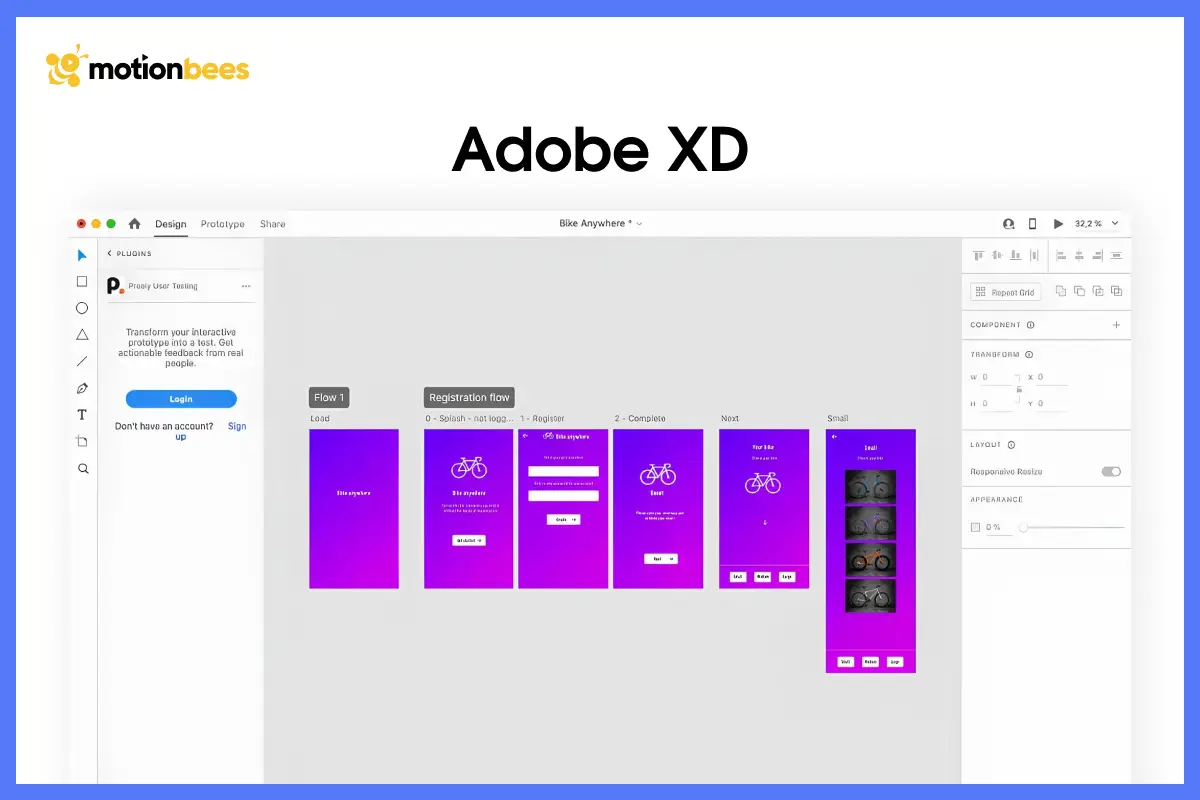
Adobe XD is suitable to designers who desire to combine storyboard images with interactive elements. It is possible to create a user flow and add clickable elements, transitions, and easy animations. This allows team and clients to view the storyboard and walkthrough it.
With Abobe, you can do small touches, such as hover changes, popup windows, or scrolling effects. These features influence the user experience. With large-scale work, such detail makes the storyboard a detailed plan with fewer surprises and confusion to come.
Sketch

Sketch is light, clean and easy to use. It suits best the storyboards that are more concerned with interfaces that require accuracy and clarity. Designers are able to create consistent layouts, arrange flows, and leave notes on every part.
One of the drawbacks is that it can’t provide with real time communication. But it helps the team members focus on every little detail, be it UI or visuals. It does not provide real-time teamwork as Figma, yet it assists the team to concentrate on the minor details of UI and visual with high resolution designs.
Want help with storyboards with streamlined user experience?
Get the professionals to do it and have your site shine.
Career Advancement: Illustration and Motion Design
Well, tools can do a lot but they cannot convey emotions. At Motionbees, we worked on this very feature. Our professionals make storyboards with motions and feeling.
Motion is not just good to look at, but indicates timing, flow and focus. A client can notice the movement of a menu, the motion of a button, or the movement of content as they scroll up the page. In a nutshell, you perform a complete run though on your web site prior to dev, allowing a nice intuitive user experience.
Common Storyboarding in Web Design Errors

Lack of Using Real Data
Storyboarding can seem simple, but there are many mistakes which can make it ineffective among designers. One of the most frequent errors is the lack of using real user data. Making guesses about what users want can lead to frustration, poor designs and unnecessary workload. It is important to verify your storyboard based on research, and user personas.
Neglecting Motion Elements
The other error is neglecting motion and interactions. Websites nowadays not statis, they stand out with the use of little transitions and hover effects. It’s like when user scroll, the motion helps direct them. When you ignore adding this component in your storyboard, you design seems less intuitive.
No Focus on Conversions
Finally, it is important to keep the focus on conversions which is like the real goal. Whenever you sketch or talk about, it must all guide the users to an action. This could be registration, making purchases, or communication with the brand. A storyboard that lacks a conversion goal runs the risk of ending up with a pretty site that fails to produce.
Motion Design: Why It Makes UX Storyboarding Better
While studying what is a storyboard in web design, you will come across features like motions and interactive features. By the sound of it, it may sound like a decorative object but that’s not true. It helps direct, better communicate with users. Or you can say that it makes navigation pretty easy.
When the users see animated buttons, sliding menus or when the content moves itself, it causes less confusion and grab more attention.
For example, if you add a CTA button that slightly bounces or changes the color, it will definitely attract. You can display all these in your storyboards, and no doubt, the client will love it. If you don’t know how to display this in your storyboard, hire Motionbees storyboard services that can provide with a real preview of the digital experience.
Storyboards as a Conversion Rate Optimization (CRO) Tool

A properly thought-out storyboard can enhance the number of conversions. Do you know how it happens? Well, storyboards help predict the user choice which removes a lot of confusion. Every step from start to end is right there in front of your eyes before any development, you can either accept or make changes.
To know what is a storyboard in web design is important before you make one. Storyboards make everything easy and helps bands achieve their objectives.
An example is a storyboard that attract a user on the pricing page then on testimonial, benefit feature to finally compelling him to act. Once the team is able is map all these moments, they can easily modify the design or optimize it for better interaction. CRO with storyboards makes websites more than pretty, it makes them useful, converting, and convincing.
Conclusion
To find your answer to what is a storyboard in web design, you must get this one thing clear. It is not about beautify the process but to make it look effortless for users. It helps you predict user behavior, what will disorient, and lead them to act.
Storyboards keep everyone on the same page, be it your team members or your clients. The team better understand what they are offering while clients get what they want. In this whole process, the end results in a website that is pleasant to users in every way.
One major advantage is that it is not a difficult thing to make. Also, storyboards save time, reduce errors and make your design smarter.
You can take storyboards as a roadmap to your website’s destination. The easier the road, the easier it is for all to arrive at the destination.
Need to Visualize the Story of Your Website?
Allow the professionals at Motionbees to bring your ideas to life using storyboards. We ensure that your website is not only beautiful but also works with a beautiful effect.
Sitemap is a list of pages within a site arranged in hierarchy – basically a diagram of an architecture. A storyboard, though, is the experience of being in those pages, interactions, feelings, and process toward some goal. And it is like the distinction between a map and the movie of someone going through it.
Not at all. User flow can be easily conveyed even using simple drawings with arrows, boxes, and notes. But of course, it is easier to present to clients and record motion and interaction with high-quality storyboards by professional artists such as Motionbees.
The most appropriate moment is after research but before wireframing. This guarantees the fact that your design choices are based on actual user behavior and not assumptions. At this phase, storyboarding helps in layout and interaction strategy.
Yes, they do. When you learn what is a storyboard in web design, you get to know that storyboards serve as a visual storytelling guide. It helps everyone with website user journey mapping which removes any misunderstandings and keep everyone on track.
No. Although this is best with large and complex sites, small websites or landing pages can also use storyboarding. It makes everything clear, predicts needs of users and aids in making choices that enhance usability and conversions.

Hafsa Hanif is a talented content writer at Motionbees, Webnhubs and Artisticore specializing in topics such as graphic design, web design and development, logo design, and animation. With her deep understanding of design principles and creative processes, Hafsa crafts engaging, informative, and SEO-optimized content that resonates with readers. Her expertise in SEO ensures that her articles not only captivate audiences but also rank well on search engines, helping businesses boost their online presence through compelling design-focused narratives.
