- What is an Explainer Video?
- Why Your Business Needs an Explainer Video
- The Modern Anatomy of a Winning Explainer Video
- Choosing Your Style: 2D, 3D, or Hybrid?
- Personalization: The New Gold Standard
- The Production Process: How to Make an Explainer Video
- Strategic Distribution: Where to Post for ROI
- Get Started With Motionbees to Make an Explainer Video
People these days scroll fast to look at things and make decisions even quicker. The initial seconds of videos hold essential value.
The audience will switch to another content piece if your video fails to grab their attention within the first moments.
The current success of brief and straightforward videos shows that people prefer this content format.
An explainer video is a video that tells a story about how your product or service can help people with a problem.
It is simple. It also focuses on one idea. This is so that anyone can understand it. But things have changed.
Explainer videos have evolved beyond their original presentation as animated content. Now they are more fun to watch. They are personalized and look really cool.
All of this is done to connect with people who watch them. This is done to get results from explainer videos.
But what is an explainer video used for? To find out, we will look at what is an explainer video and how you can create one in this blog.
So, without any further ado, let’s get right into it.
What is an Explainer Video?
First, let’s discuss what is an Explainer Video? Well, an explainer video is a video that helps people understand a product, a service, or an idea, for that matter.
It tells a quick story. More so, it shows a problem and then gives a solution. These videos use pictures, voice, and text to keep people interested.
They help viewers understand things quickly and easily. An explainer video makes complex things simple. It uses visuals to keep people engaged and interested in the product or service.
An explainer video is short and sweet, to the point. It gets the message across without confusing or boring the viewer.
Struggling to Explain Your Product Clearly to Your Audience?
Let Motionbees Craft a Video that Simplifies and Sells Your Message!
Why Your Business Needs an Explainer Video
Now that we know what is an explainer video, here are some of the reasons why your business needs one:
Conversion Power
Adding a SaaS explainer to your landing page really works. Studies show it helps in conversion rate optimization (CRO) as it can increase conversions up to 80%. So why does it work? Well, videos make things clearer.
People quickly get how your product works. More so, they understand why it matters. This works instead of reading lots of text.
Brand Storytelling also builds trust fast. Also, it helps viewers feel more confident to take action. The action could be signing up or buying a product, for that matter.
Engagement Metrics
Explainer videos are really good at keeping people interested. They have things like Animations as well as micro-interactions. These keep people hooked.
More so, these things make the video fun to watch. It does not feel like you are learning something. Instead, it feels like you are being entertained.
When people watch your video for the first time, they are more likely to understand what you are trying to say. And this is thanks to your explainer video. And they will connect with your brand.
SEO Benefits
Videos are really good for your site and Core Web Vitals. They help your site show up higher on Google and other search engines, for that matter. This is because videos make your site fun.
They also make people stay on your site longer. Google sees this. It thinks that your site has good stuff on it.
So Google shows your site higher up when people search for things. This means more people will visit your site. And maybe they will even become customers.
The Modern Anatomy of a Winning Explainer Video
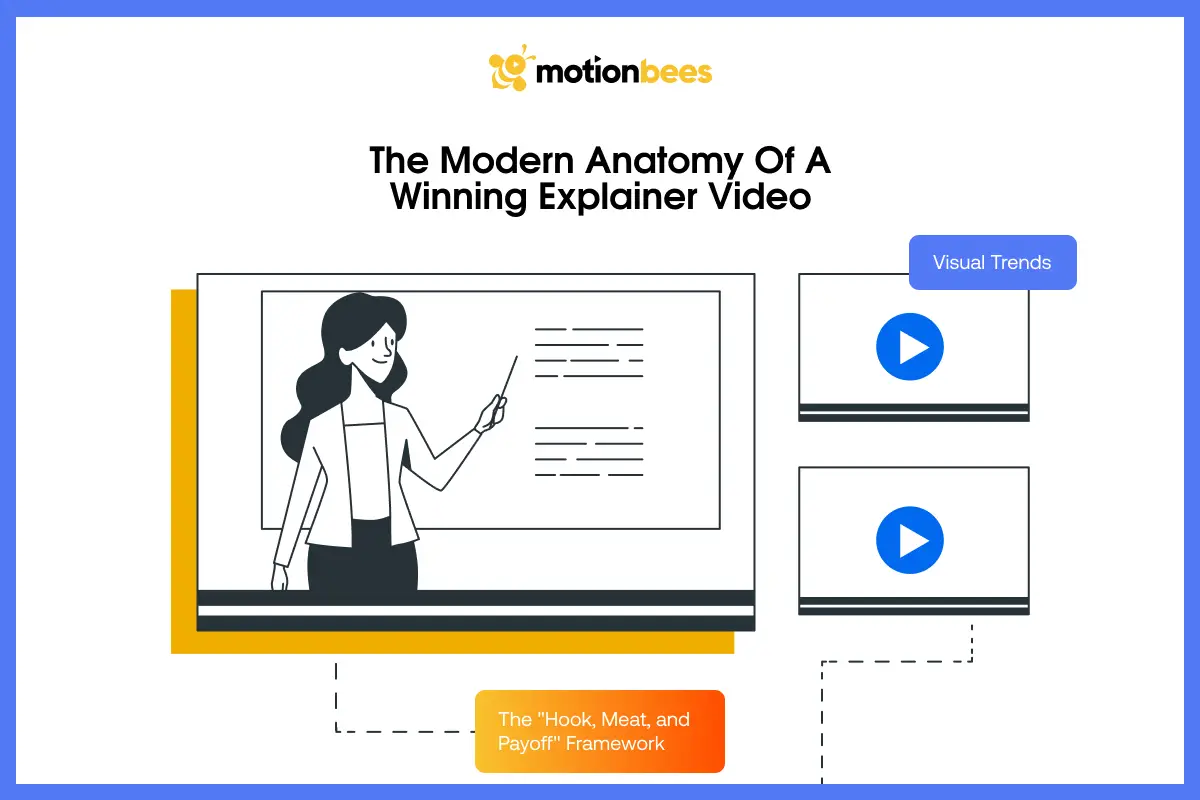
These two things are the essence of what is an explainer video and yours should have them too.
The “Hook, Meat, and Payoff” Framework
A good video that explains something has a structure that works. This structure is called Hook, Meat and Payoff.
The Hook is at the beginning of the video. It grabs your attention. It does this by talking about a problem or a big idea.
The central section of the video represents The Meat. It shows both the solution to the problem and its operational demonstration.
The Payoff is at the end of the video. It tells you what to do next after viewing it. The video ends with a CTA. It is what drives viewers to take action.
The video becomes understandable through this structure. It also maintains viewer interest in the presented content.
Visual Trends of 2026
An explainer video that wins follows some of the following trends:
- Bento Box Layouts: Bento box layouts are all about organizing content into clean sections on the screen. This layout is great because each part of the layout shows a piece of information. This makes everything easy to understand when you look at the Bento box layout. The Bento box layout does a good job of avoiding clutter. It also helps people focus better on the minimalist layout. The Bento box layout is perfect for explainer videos. This is because it breaks ideas into a simple visual hierarchy and blocks. These blocks look modern and feel user-friendly.
- Kinetic Typography: Kinetic typography is about using moving text to make your video message more entertaining. It makes words do cool things. This includes making it slide, bounce, or pop up, for that matter. Kinetic motion helps to drive home the important stuff. It could be what makes something special or what you want people to do next. The movement really grabs people’s attention. It keeps them interested. If you pull this off right, it can add energy to the explainer. This makes your video stick in people’s minds.
- Glassmorphism 2.0: Glassmorphism 2.0 is a design style that uses transparent layers to create depth. This style looks like glass. It has blurred backgrounds and light effects. In explainer videos, Glassmorphism 2.0 with dark mode makes the visuals feel modern. It makes them feel premium, too. It creates visual boundaries between different content sections. The design helps people to follow the content easily. This way, folks can watch it without any issues.
Choosing Your Style: 2D, 3D, or Hybrid?
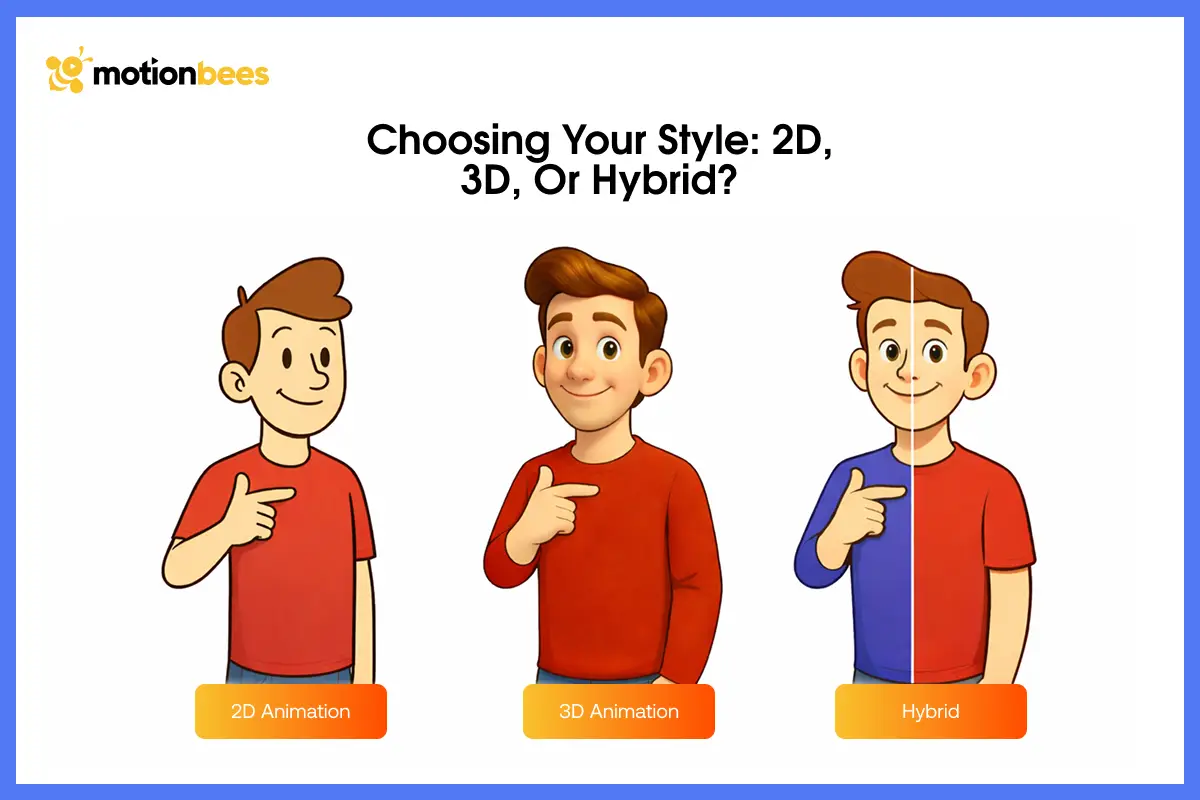
Knowing and choosing the right style of explainer video is just as important as knowing what is an explainer video itself. Therefore, here are some of the styles of explainer video:
2D Animation
2D animation is really popular for making explainers. It is best for SaaS and B2B firms. It uses pictures and icons to get the point across.
This way, folks can understand what the firm is trying to say, even if it is not an easy idea. 2D animation is also a good choice because it does not cost too much money.
The scalable vector graphics (SVG) can also be made quickly. This is great for firms that want the explainer to be clear and simple.
3D Product Animation
3D product Animation gives your video a premium and realistic feel. It gives a product walkthrough. It shows products from different angles and adds depth. This makes them look almost real.
This is perfect for physical products like gadgets or tools. It helps folks see details clearly. They can imagine using the product as well. As a result, it builds trust. More so, it makes your brand look PRO.
Whiteboard Animation
Whiteboard animation is a style that looks like someone is drawing pictures on a board by hand. It is all done right in front of you.
This makes the video really interesting to watch. It keeps people hooked. That is because they anticipate what is going to happen next.
These JSON animations are very good for teaching folks stuff. That is because it helps them remember the information better.
The simple and clean style also makes complex ideas easier to explain step by step.
Want More Clicks, Conversions, and Customer Attention?
Create an Explainer Video that Connects With Your Audience!
Lottie & Micro-Interactions
Lottie animations are really nice. They have a mobile-friendly design and work very well on sites and phones. They are made using files that are easy to load.
This is so they do not slow down your site. When you use Lottie animations with things that happen when you hover or click, it is more fun to use your site with haptic feedback.
This makes your video feel new. It becomes interesting for people who watch on phones.
Personalization: The New Gold Standard
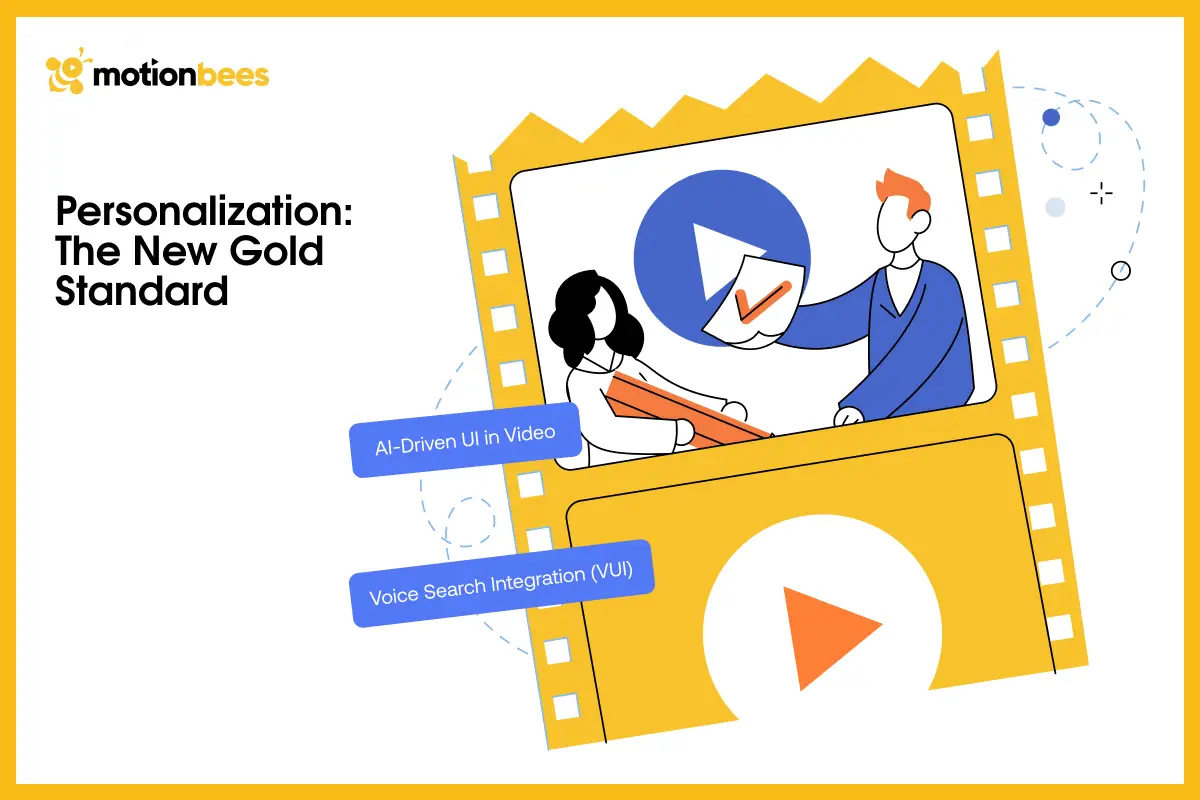
The following are the things that make a good explainer turn great:
AI-Driven UI in Video
The video with an AI user interface displays different content to viewers because of the different AI systems watching the video.
You might see parts of the video or get different messages, or even see different special offers from others. The video shows content that matches your personal interests because of this reason.
The video can figure out what you like or what you do. The adaptive interface (AUI) shows you those things. The video gives you a personal connection because of this element.
When people see things that they really need or want, they are happier. The viewers do not bail out right away.
The video makes folks take action. The action can be purchasing a product or signing up, for that matter.
Voice Search Integration (VUI)
Voice Search Integration helps people find and interact with video content by using their voice.
The feature enables users to reach your videos through voice assistant systems they use for searching.
It boosts your content discoverability through enhanced search functionality. The introduction of voice elements to your explainer videos improves user experience (UX).
This method enables your videos to match the current voice command search used by people.
The Production Process: How to Make an Explainer Video
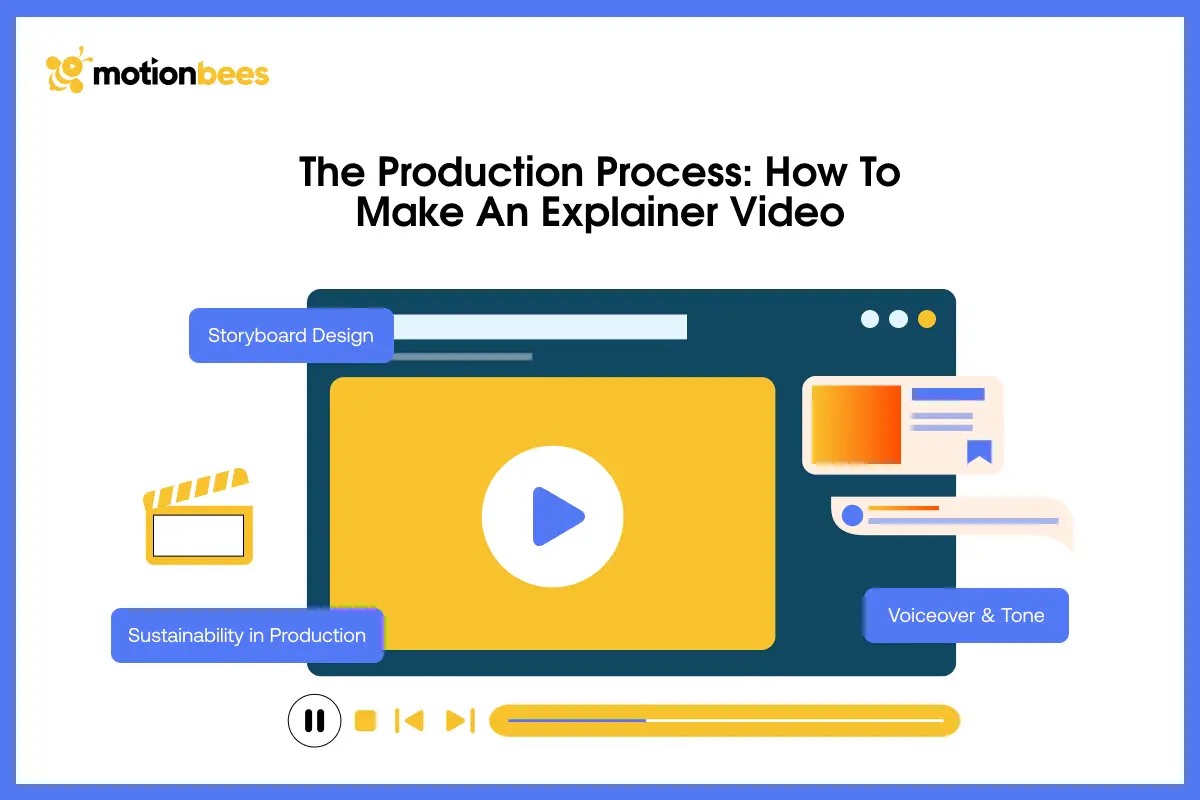
The following is the production process for making an explainer video:
Storyboard Design
Making a storyboard is like drawing a picture of what you want your video to look like. You get to see each part of the video one step at a time.
You will need to think about how the whole thing will come. This helps you find problems before you start filming.
This is so you can make sure everything makes sense. A good storyboard helps your explainer video feel smooth.
It makes sure it is organized. More so, it is easy for people to understand the whole video from the beginning to the end.
Voiceover & Tone
The voiceover is what makes your video really good. You need to pick a tone that is just right. For students, a friendly and helpful tone is nice.
For firms, you should use a tone that is confident and ORO. The right voiceover helps people understand what you are saying.
It helps them trust you. It makes your video feel like it is talking to them. The voiceover makes your video feel more real. Moreover, it keeps folks interested in what you have to say.
Sustainability in Production
The sustainability in B2B video production has to do with making videos in a way that is beneficial to the environment.
This includes using tools instead of physical resources. It also means choosing workflows that do not use much energy.
The method you use to upload your video creates an impact. Your eco-friendly practices lead to decreased environmental damage.
Your brand demonstrates its environmental dedication through its sustainable practices. It also boosts its public perception.
The practice helps create customer satisfaction. It also leads to their continuous loyalty. So try to make better choices when producing videos.
Strategic Distribution: Where to Post for ROI
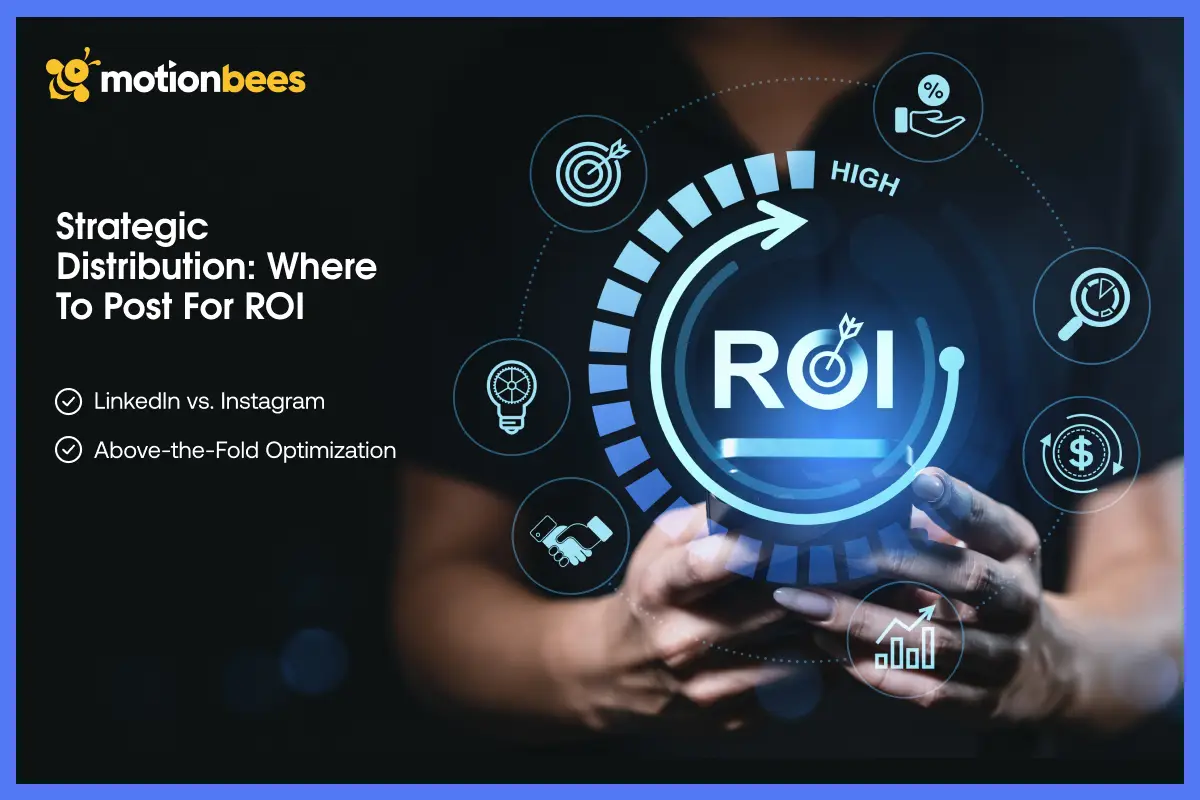
Posting your explainer in the right places with a video marketing strategy is a must. That is why here are the two options you have for distributing your explainer video:
LinkedIn vs. Instagram
The platform you select to share your explainer video determines its effectiveness for your audience.
LinkedIn serves B2B content creators. That is because it helps them establish their professional credibility.
People there look for PRO and an educational clip. Instagram operates as an interactive platform. It emphasizes user participation.
It requests users to create brief entertaining videos that contain artistic elements. Your audience’s platform should determine your style and message approach.
Ready to Turn Your Ideas into Powerful Explainer Videos?
Let Motionbees Bring Your Vision to Life with Engaging Visuals!
Above-the-Fold Optimization
The first part of a site page that people see without scrolling is called above-the-fold. Your explainer video should be placed here.
This location works better for that purpose. This place makes people watch it because it will appear first. The explainer keeps folks hooked. And they stay on the site for longer.
When folks see the explainer as soon as they visit the site, they can understand what your offerings are about. It makes users take action. This results in increased inbound leads and conversion rates.
Get Started With Motionbees to Make an Explainer Video
If you want an explainer video that really gets people’s attention and helps you convert, then you should choose Motionbees for that. Motionbees offers the best Explainer Video Service.
Our animation studio makes videos that are easy to understand and fun to watch. Motionbees helps people see what your product or service is about in just a few seconds.
We create everything from start to end. Motionbees makes sure your video looks good. We make your explainer easy to follow.
So partner with Motionbees and share your ideas with us. Let Motionbees create explainer videos that will make people buy what you are selling.
Final Thoughts
So, there you have it, folks, that is it for this blog on what is an explainer video. We hope that the pointers we shared in this blog can help you know what is an explainer video. As you know, explainer videos are not simple animations on a screen anymore. They help brands connect with people in a friendly way. More so, they make complex ideas easy to understand.
And as tech improves, these videos will become more interactive and personalized. So, using these videos on your site as a corporate portfolio is a big help if you intend to sell and earn more from your offerings. And if you need help in creating an explainer video, then you can consider Motionbees for the job. We will create an explainer video that works for you and helps you sell and convert more.
Explainer videos should be 60 to 90 seconds in 2026 for the best engagement results.
Yes, Faster loading videos improve UX. They reduce bounce rates. They also boost SEO rankings.
Yes. AI can customize content. It can personalize visuals and messages based on user behavior and preferences.
Not always. 3D suits products. 2D is better for simple explanations.

Sultan Hanif is a seasoned wordsmith, who brings technology trends and innovations to life through his words. A tech-savvy gamer with a passion for all things football, Sultan blends his technical knowledge with creative storytelling to empower businesses and individuals alike.
